> ## Documentation Index
> Fetch the complete documentation index at: https://docs.min-ai.ar/llms.txt
> Use this file to discover all available pages before exploring further.
# Quickstart
> From zero to your first agent: sign in, connect your AI, create it and start talking to it.
In about five minutes you'll have your first agent up and running. Here's the shortest path: a personal agent that talks to you in minai's chat. You can move it to WhatsApp, Telegram or Slack whenever you like.
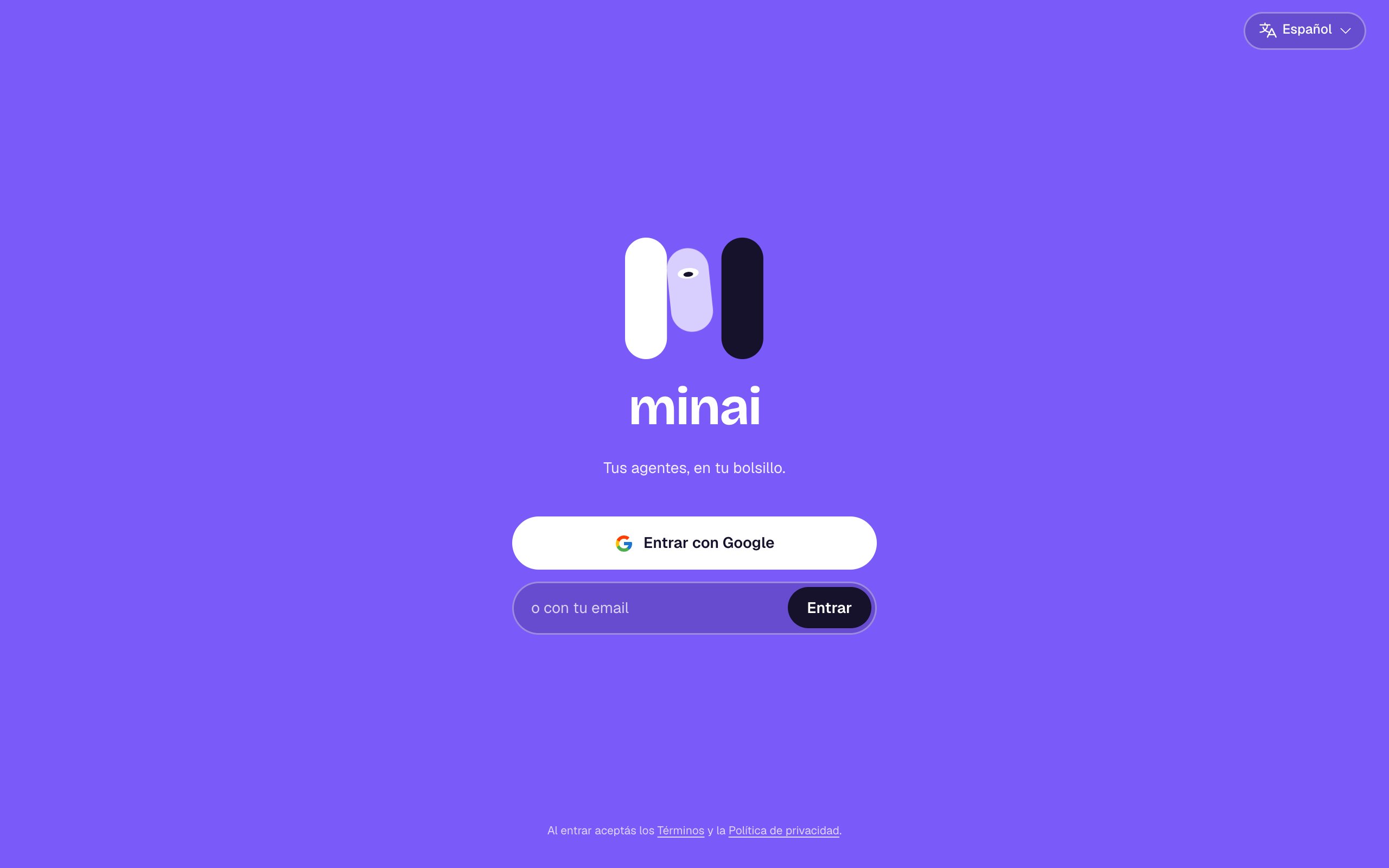
Open [app.min-ai.ar](https://app.min-ai.ar) and tap **Sign in with Google**, or type your email and tap **Sign in**: you get a link to sign in, no password. If it's your first time, your account is created with a 14-day free trial, no card needed.
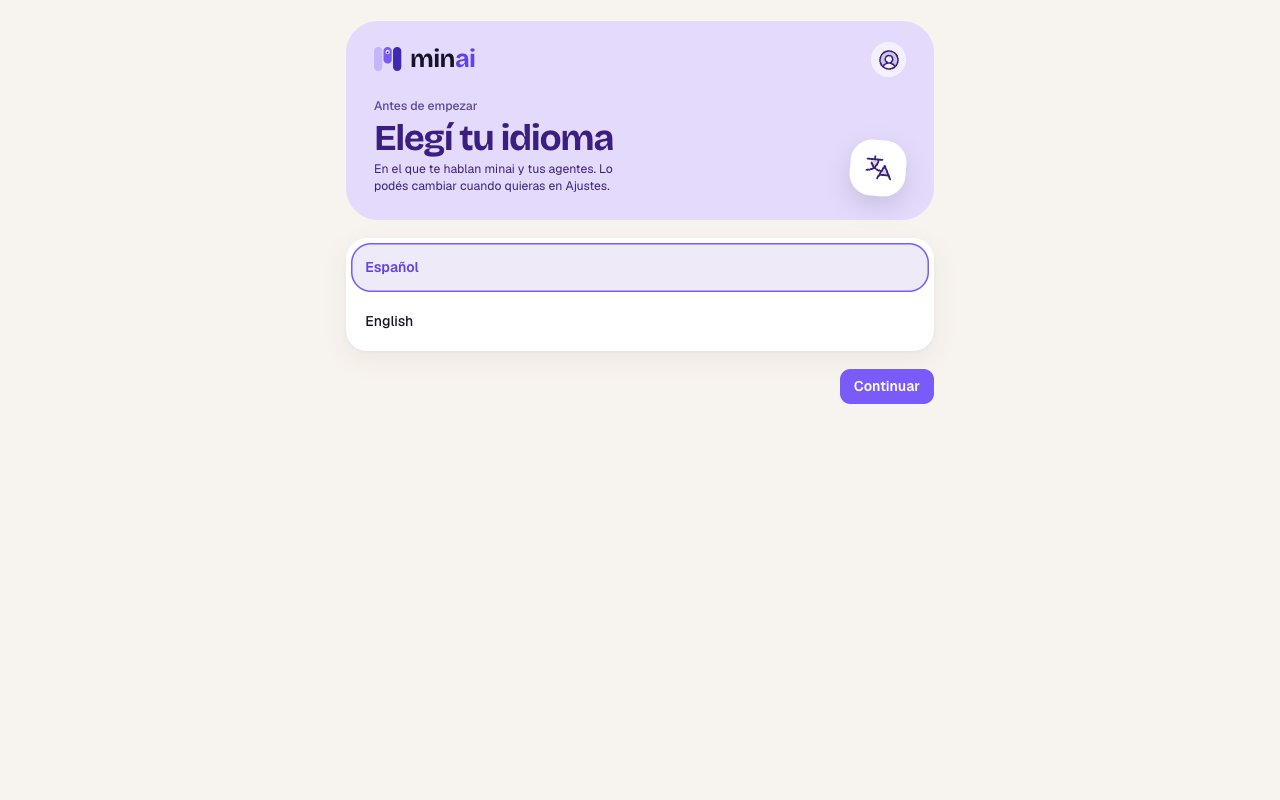
 It's the language minai and your agents talk to you in. You can change it later in **Settings**.
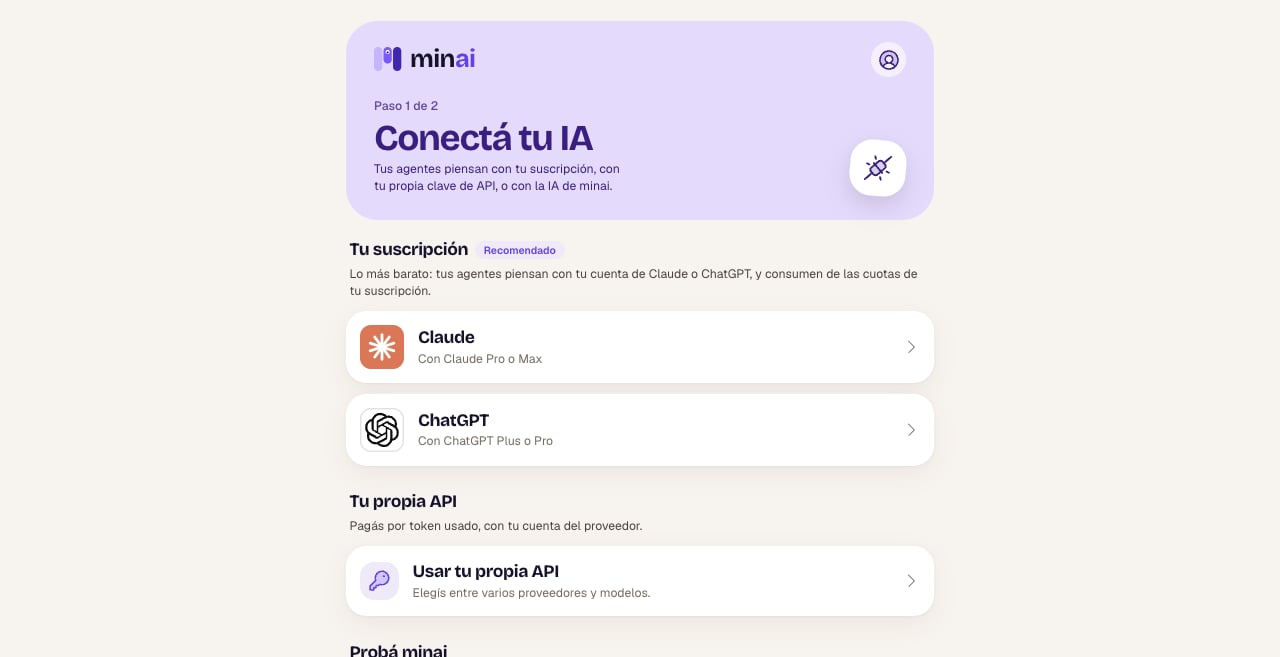
 Your agents need an AI to think with. Pick one:
* **Claude** or **ChatGPT**, with your subscription (Claude Pro or Max; ChatGPT Plus or Pro). It's the cheapest option.
* **Your own API**: you pay for what you use with your OpenAI or OpenRouter account.
* **minai's AI**: to try it right away, with nothing to set up, while your trial lasts.
Your agents need an AI to think with. Pick one:
* **Claude** or **ChatGPT**, with your subscription (Claude Pro or Max; ChatGPT Plus or Pro). It's the cheapest option.
* **Your own API**: you pay for what you use with your OpenAI or OpenRouter account.
* **minai's AI**: to try it right away, with nothing to set up, while your trial lasts.
 See each option in detail in [Connect your AI](/en/setup/connect-your-ai).
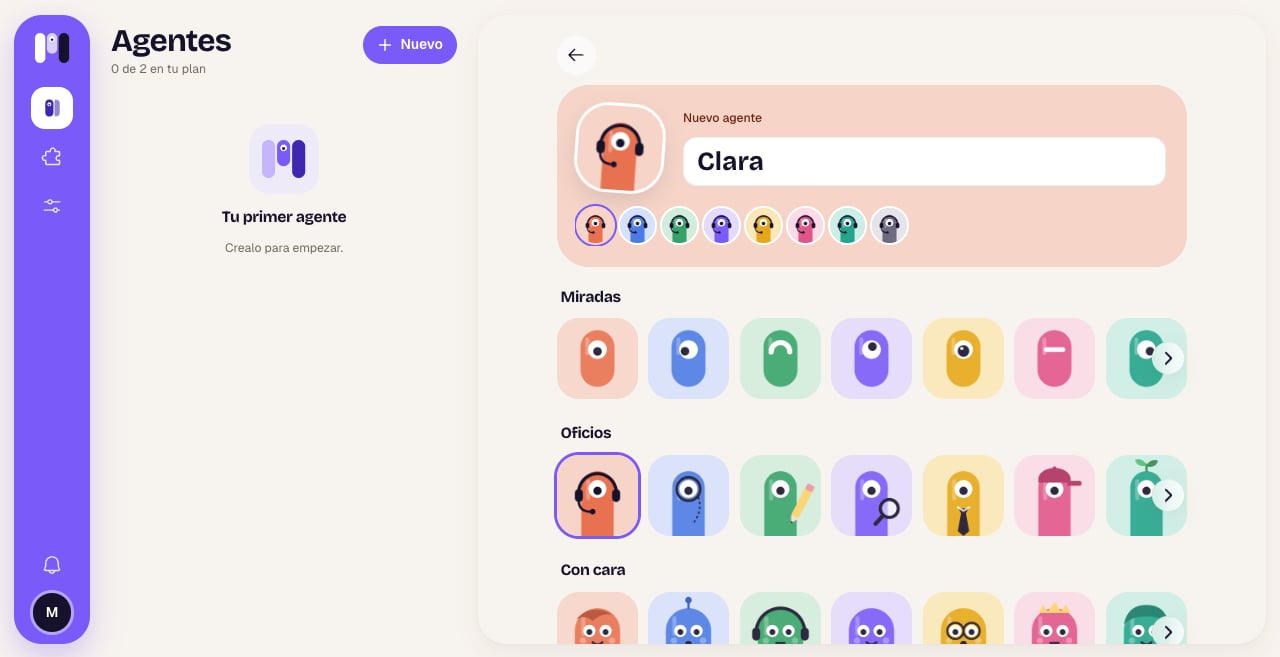
In **Agents**, tap **New**. Give it a name and choose its face, leave the level on **Balanced**, choose **For me** and tap what it's going to do, for example **Personal assistant**.
See each option in detail in [Connect your AI](/en/setup/connect-your-ai).
In **Agents**, tap **New**. Give it a name and choose its face, leave the level on **Balanced**, choose **For me** and tap what it's going to do, for example **Personal assistant**.
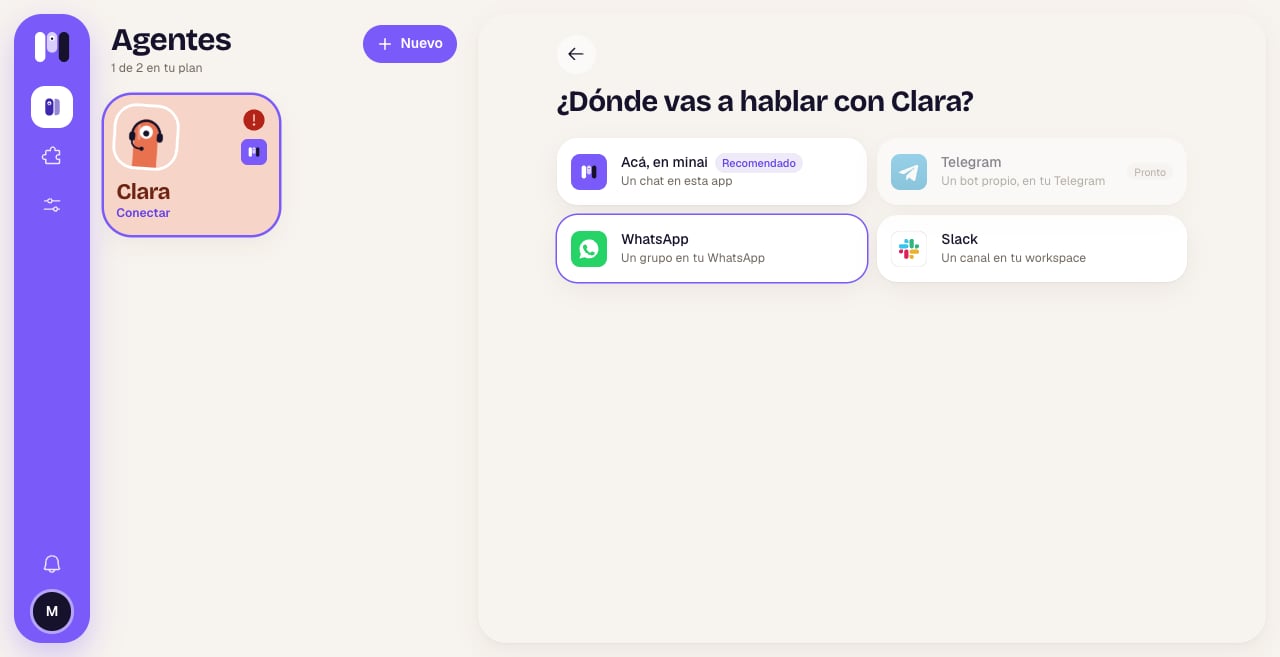
 Tap **Here, in minai** to start in the app's chat. You can also choose Telegram, WhatsApp or Slack.
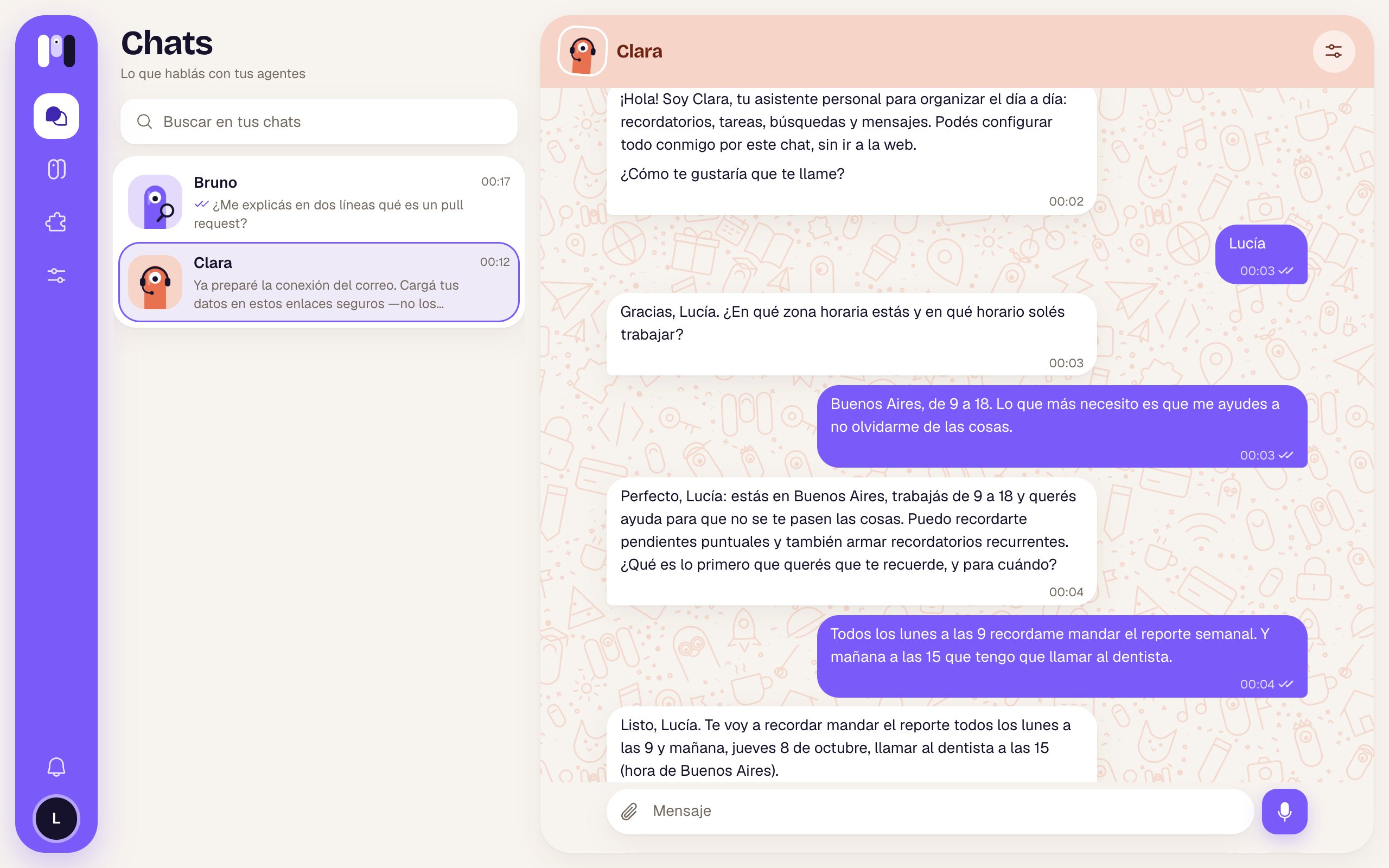
 Your agent writes to you first: it introduces itself and asks you a couple of questions to get to know you. Answer, and then ask it for whatever you need.
 ## First things to ask
* "Remind me tomorrow at 9 to call the accountant."
* "Every Monday at 9, remind me to send the weekly report."
* "Look up online which holidays are left this year and make me a list."
* "I want you to read my Gmail and let me know if anything comes in from the bank."
* "What do you have written down about me?"
Install minai on your phone so you get notified when your agent writes to you. See [Install the app and notifications](/en/setup/install-the-app).
## Keep reading
What an agent is, personal or group, and what you can change about it.
minai's chat, Telegram, WhatsApp or Slack: which one suits you.
Connect your email, your calendar, your bank and more.
Memory, schedules, files, the web and more.
This documentation is built and hosted on [Mintlify](https://mintlify.com), a developer documentation platform.
## First things to ask
* "Remind me tomorrow at 9 to call the accountant."
* "Every Monday at 9, remind me to send the weekly report."
* "Look up online which holidays are left this year and make me a list."
* "I want you to read my Gmail and let me know if anything comes in from the bank."
* "What do you have written down about me?"
Install minai on your phone so you get notified when your agent writes to you. See [Install the app and notifications](/en/setup/install-the-app).
## Keep reading
What an agent is, personal or group, and what you can change about it.
minai's chat, Telegram, WhatsApp or Slack: which one suits you.
Connect your email, your calendar, your bank and more.
Memory, schedules, files, the web and more.
This documentation is built and hosted on [Mintlify](https://mintlify.com), a developer documentation platform.