> ## Documentation Index
> Fetch the complete documentation index at: https://docs.min-ai.ar/llms.txt
> Use this file to discover all available pages before exploring further.
# Settings: Time zone
> Your account's time zone, the one your schedules and dates use.
The time your schedules run on and the dates you see.
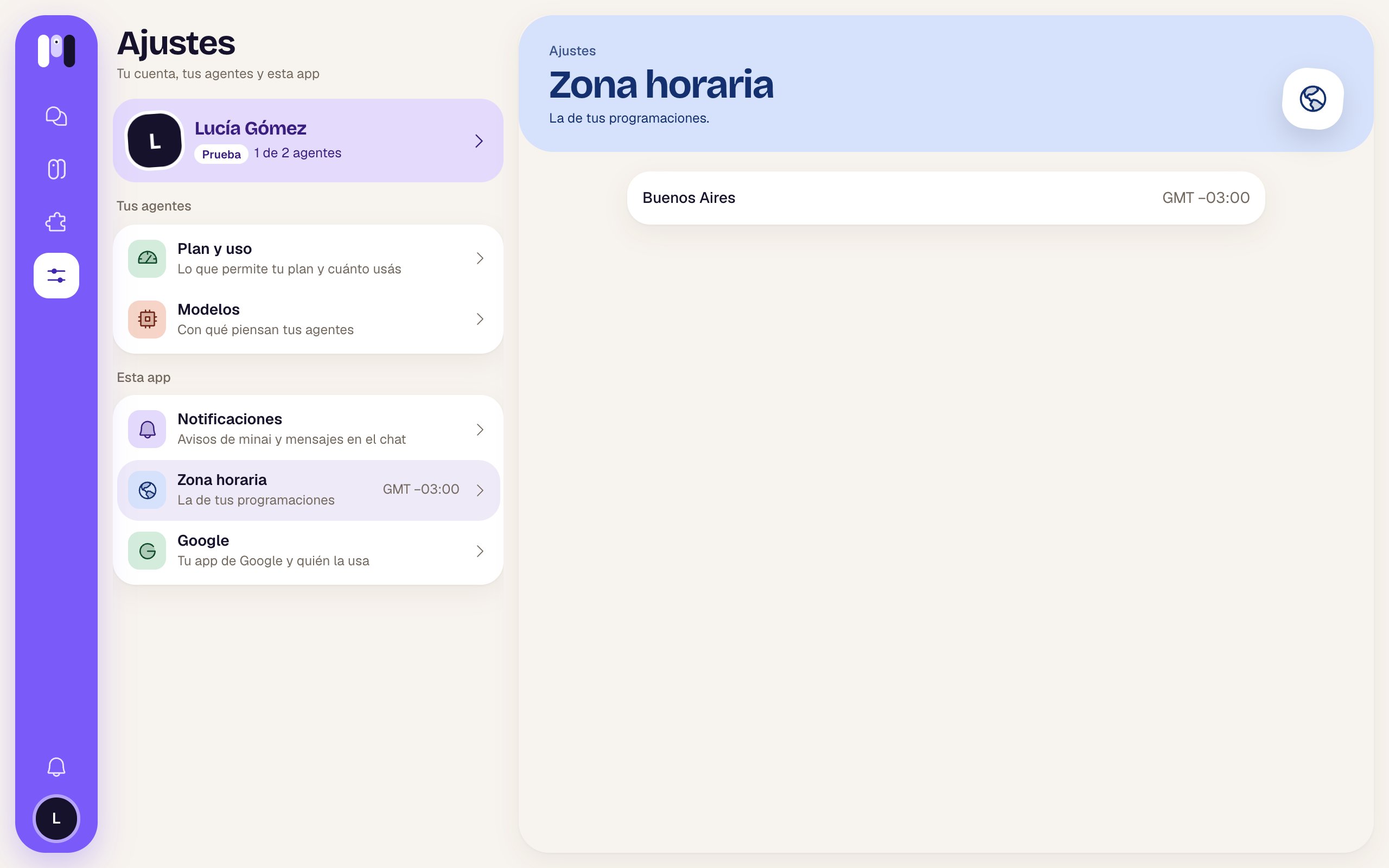
**How to get there:** **Settings** → **Time zone**. In the Settings list you already see your GMT next to it.
 ## What it shows
A single row, to read:
| Part | Example |
| - | - |
| City | Buenos Aires |
| Difference from universal time | GMT −03:00 |
It's taken from your browser when you create your account. There are no buttons to change it.
## What it's used for
* The times of your [schedules](/en/reference/screens/agent-schedules): "Mondays at 9" means 9 in this time zone.
* The dates and times of notices, activity and your plan.
If you're asking for something at a time somewhere else, tell the agent: "remind me at 10 Madrid time".
See [Language, theme and time zone](/en/setup/language-theme-and-time-zone).
This documentation is built and hosted on [Mintlify](https://mintlify.com), a developer documentation platform.
## What it shows
A single row, to read:
| Part | Example |
| - | - |
| City | Buenos Aires |
| Difference from universal time | GMT −03:00 |
It's taken from your browser when you create your account. There are no buttons to change it.
## What it's used for
* The times of your [schedules](/en/reference/screens/agent-schedules): "Mondays at 9" means 9 in this time zone.
* The dates and times of notices, activity and your plan.
If you're asking for something at a time somewhere else, tell the agent: "remind me at 10 Madrid time".
See [Language, theme and time zone](/en/setup/language-theme-and-time-zone).
This documentation is built and hosted on [Mintlify](https://mintlify.com), a developer documentation platform.