> ## Documentation Index
> Fetch the complete documentation index at: https://docs.min-ai.ar/llms.txt
> Use this file to discover all available pages before exploring further.
# Language, theme and time zone
> The language minai and your agents talk to you in, light or dark, and the time of your schedules.
## Language
minai is in **Spanish** and **English**. You choose it the first time you sign in and you change it in **Settings → Your account → Language**.
The language applies to the app, to notices and to your agents: they talk to you in yours. It's saved to your account, so it follows you on all your devices.
A group agent answers in the language the people in the group write to it in.
## Theme
In **Settings → Your account → Appearance** you choose **Light**, **Dark** or **Auto** (your phone's or computer's). It's saved on each device.
 ## Time zone
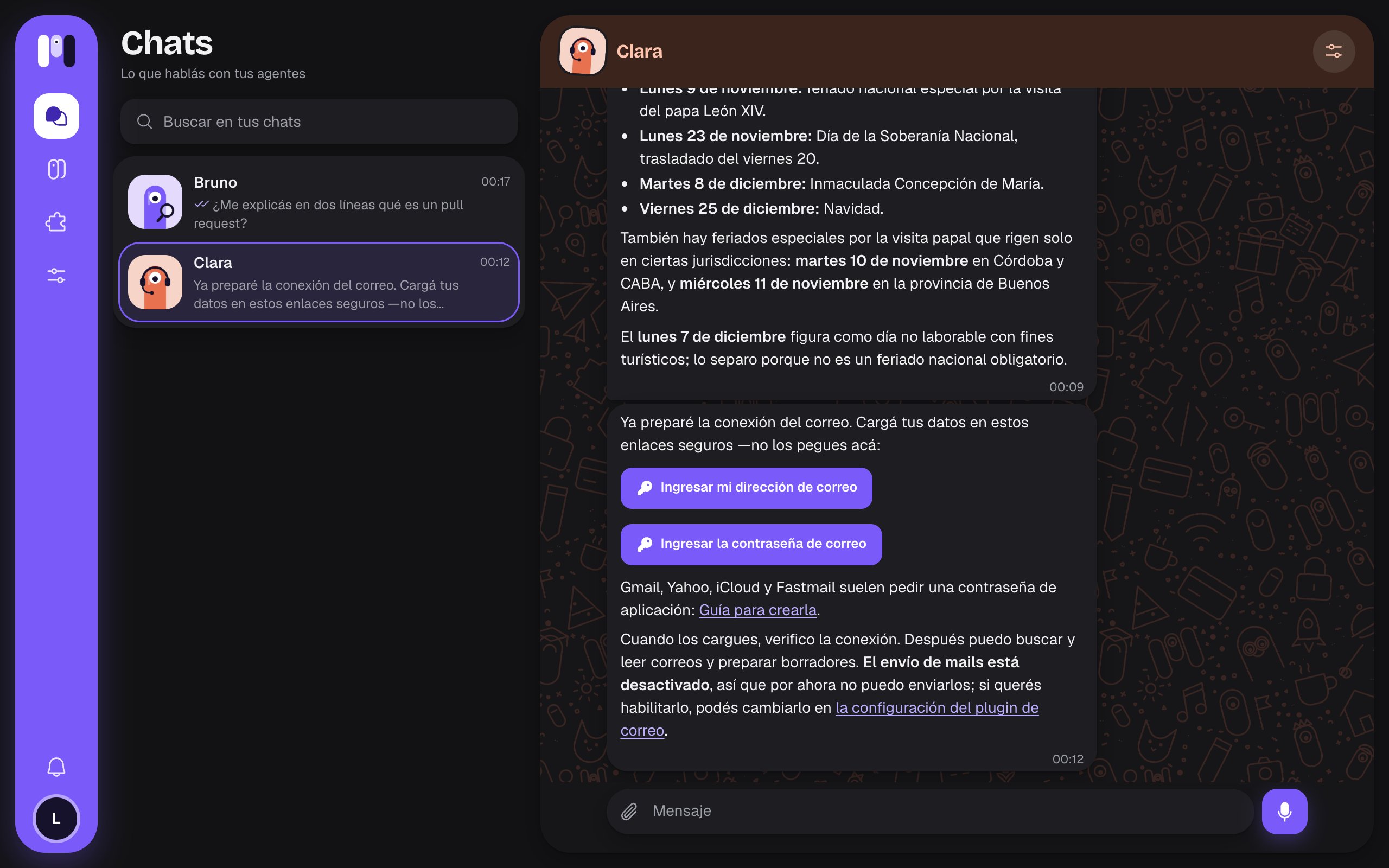
Your schedules and the dates you see use your time zone. It's taken from your browser when you create your account, and you can see it in **Settings → Time zone**.
## Time zone
Your schedules and the dates you see use your time zone. It's taken from your browser when you create your account, and you can see it in **Settings → Time zone**.
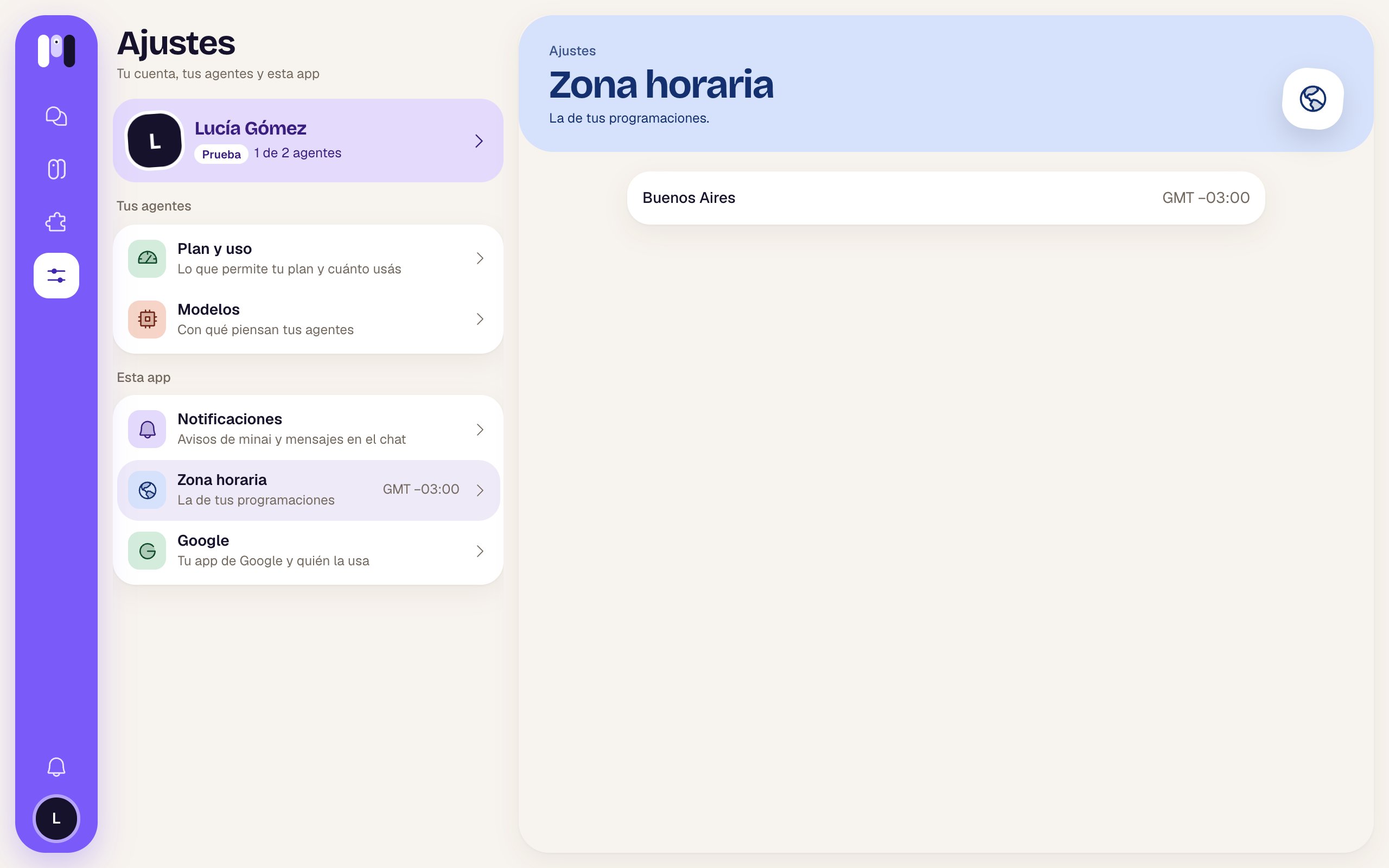 It can't be changed from the web. If you moved or it looks wrong, write to us at [support@min-ai.ar](mailto:support@min-ai.ar).
This documentation is built and hosted on [Mintlify](https://mintlify.com), a developer documentation platform.
It can't be changed from the web. If you moved or it looks wrong, write to us at [support@min-ai.ar](mailto:support@min-ai.ar).
This documentation is built and hosted on [Mintlify](https://mintlify.com), a developer documentation platform.