> ## Documentation Index
> Fetch the complete documentation index at: https://docs.min-ai.ar/llms.txt
> Use this file to discover all available pages before exploring further.
# Sign in to minai
> Create your account and sign in, with Google or with a link by email. No passwords.
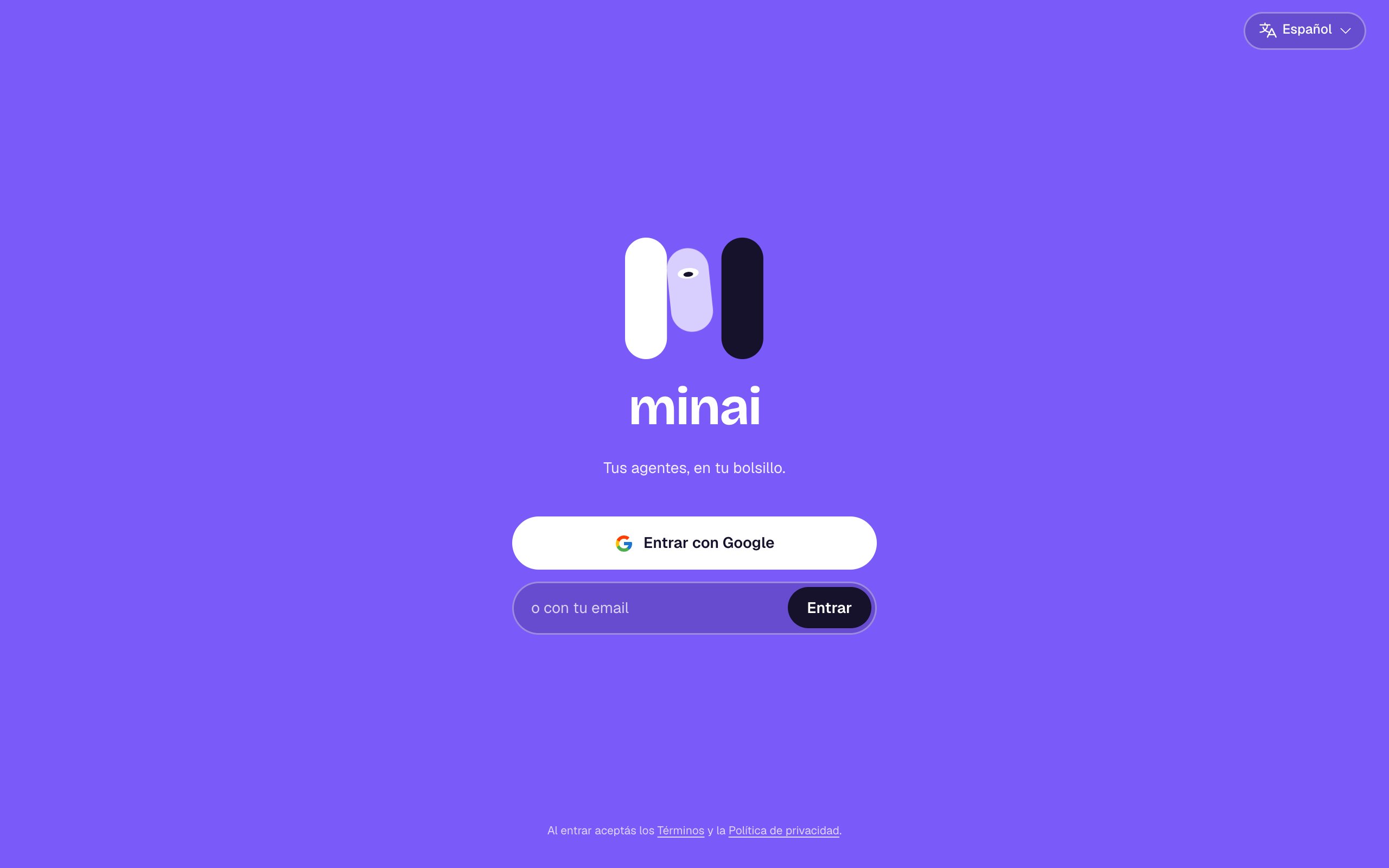
There are no passwords in minai. You sign in with your Google account or with a link that arrives by email. Creating your account and signing in are the same thing: the first time, it's created automatically.
 ## With Google
Tap **Sign in with Google** and choose your account. If you had already signed in with a link to the same email, it's the same account.
## With your email
In the **or with your email** field, type it and tap **Sign in**.
You get an email from minai with the subject “Your link to sign in to minai”. The link works **only once** and is valid for **15 minutes**.
minai opens and you're in. If you open it on another device, you're signed in on that one.
Check your spam or promotions folder. If you asked for another one less than 30 seconds ago, wait a bit and try again. Make sure the email address is spelled right (you can fix it with **Use another email**).
Links last 15 minutes and work once. Ask for a new one from the sign-in screen.
Try again or sign in with your email. Only Google accounts with a verified email are accepted.
## The first time
When you sign in for the first time:
1. You choose your language (**Español** or **English**).
2. You connect your AI: [Connect your AI](/en/setup/connect-your-ai).
3. You create your first agent: [Create an agent](/en/setup/create-an-agent).
Your account starts with the **14-day free trial**, no card needed. Your time zone is taken from your browser.
By signing in you accept the [Terms](https://min-ai.ar/en/terms/) and the [Privacy policy](https://min-ai.ar/en/privacy/). minai is for people 18 and over.
## Signing out
In **Settings → Your account**, tap **Sign out**. That also turns off notifications on that device.
This documentation is built and hosted on [Mintlify](https://mintlify.com), a developer documentation platform.
## With Google
Tap **Sign in with Google** and choose your account. If you had already signed in with a link to the same email, it's the same account.
## With your email
In the **or with your email** field, type it and tap **Sign in**.
You get an email from minai with the subject “Your link to sign in to minai”. The link works **only once** and is valid for **15 minutes**.
minai opens and you're in. If you open it on another device, you're signed in on that one.
Check your spam or promotions folder. If you asked for another one less than 30 seconds ago, wait a bit and try again. Make sure the email address is spelled right (you can fix it with **Use another email**).
Links last 15 minutes and work once. Ask for a new one from the sign-in screen.
Try again or sign in with your email. Only Google accounts with a verified email are accepted.
## The first time
When you sign in for the first time:
1. You choose your language (**Español** or **English**).
2. You connect your AI: [Connect your AI](/en/setup/connect-your-ai).
3. You create your first agent: [Create an agent](/en/setup/create-an-agent).
Your account starts with the **14-day free trial**, no card needed. Your time zone is taken from your browser.
By signing in you accept the [Terms](https://min-ai.ar/en/terms/) and the [Privacy policy](https://min-ai.ar/en/privacy/). minai is for people 18 and over.
## Signing out
In **Settings → Your account**, tap **Sign out**. That also turns off notifications on that device.
This documentation is built and hosted on [Mintlify](https://mintlify.com), a developer documentation platform.