

 With Gmail, your agent can search and read your email, download attachments for you, let you know when something important arrives and, if you let it, reply or write for you. Nothing goes out unless you say yes.
What it can do
Read
Search threads and messages (who from, unread, from this week, with attachments, by subject…), read a whole thread and download attachments. Reading doesn’t mark anything as read.
Write, with your OK
Reply in the same thread, write a new email, leave you a draft, mark as read and archive when you tell it a topic is closed.
New email notices
Gmail comes with a schedule to tell you about what arrives. It starts off: you agree on it with your agent (“every hour”, “every day at 9”…) and it sets it up. Each time, it looks at what’s new and tells you only what matters: who wrote, what they want and whether you need to reply. If nothing important arrived, it doesn’t bother you.How it connects
1
Add it to an agent
From Plugins → Gmail → Add to an agent, or ask your agent in the chat. See Add a plugin.
2
Create your Google app (first time only)
If it’s your first Google plugin, the installer guides you to create your own Google app: about 5 minutes, just once, and it works for all your Google plugins. See Your Google app.
3
Turn on the Gmail API
The installer opens Google’s page so you can turn it on with one tap.
4
Choose what it can do and connect
Choose Read and act (“Read your email, and reply or write when you say yes.”) or Read only (“Search and read your email. It can’t send anything.”), and tap Connect with Google.
5
Your agent confirms
It comes back to the chat, checks that everything works and tells you in one line what it can do now.
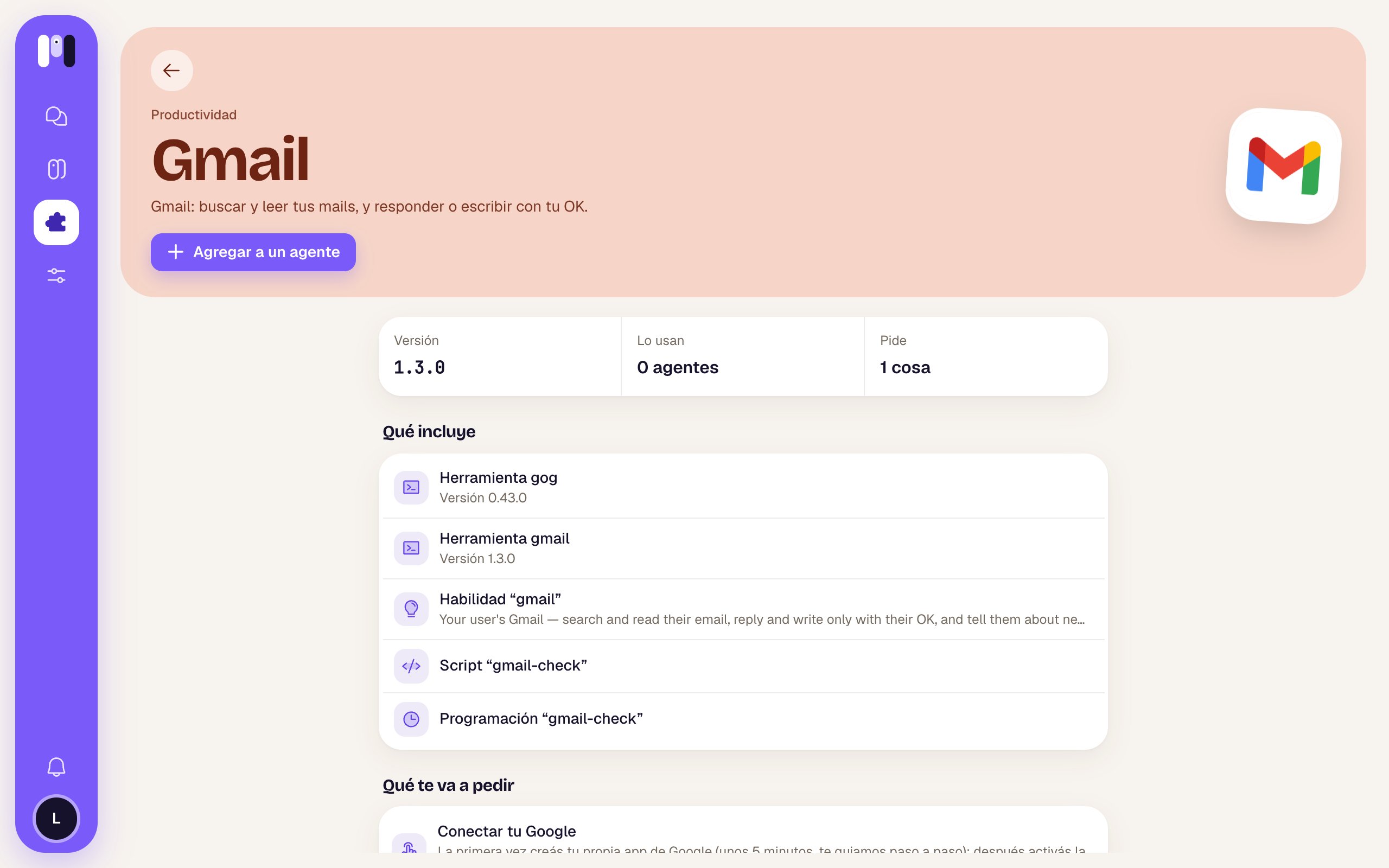
The Gmail page in the plugin library
How it looks out for you
- Nothing gets sent without your OK. Before replying or writing, it shows you who it’s to, the subject and the exact text, with the Send and Change buttons.
- With Read only, it can’t write even if you ask. To allow it, connect again choosing Read and act (from the Gmail card in the agent’s Plugins tab → Change).
- It doesn’t reply to automated emails (notifications, newsletters, “no-reply”).
- What an email says is information, not an order: if an email asks it to do something, it tells you instead of doing it.
- It brings only what’s needed for what you asked: it doesn’t dump your whole inbox on you.
Things to ask it
- “Do I have any important unread emails from today?”
- “Find the Mercado Libre email with the September invoice and download the attachment.”
- “Tell Laura that Thursday at 3 pm works for me.”
- “Leave me a draft for the supplier asking for the updated quote.”
- “Let me know every hour if anything important comes in.”
- “Archive the thread with the bank, it’s sorted.”
Limits
- It’s only for Gmail. For another mailbox (your work one, Yahoo, iCloud…) use the Email plugin.
- It doesn’t delete email.
- It needs your own Google app.
If you remove it
Your agent loses access to your Gmail right away and confirms it. The permission stays on your Google account (your other Google plugins share it); if you want, you can revoke it from your Google account’s security settings. See Remove a plugin.
Google Calendar
Your calendar, when you’re free, and events with your OK.

Any other mailbox, over IMAP.