

On a computer: the violet bar
On the left there’s a vertical violet bar. From top to bottom:
The section you’re in is marked with a white pill. When you open something from a list (a chat, an agent, a setting), it opens next to it, in two columns.
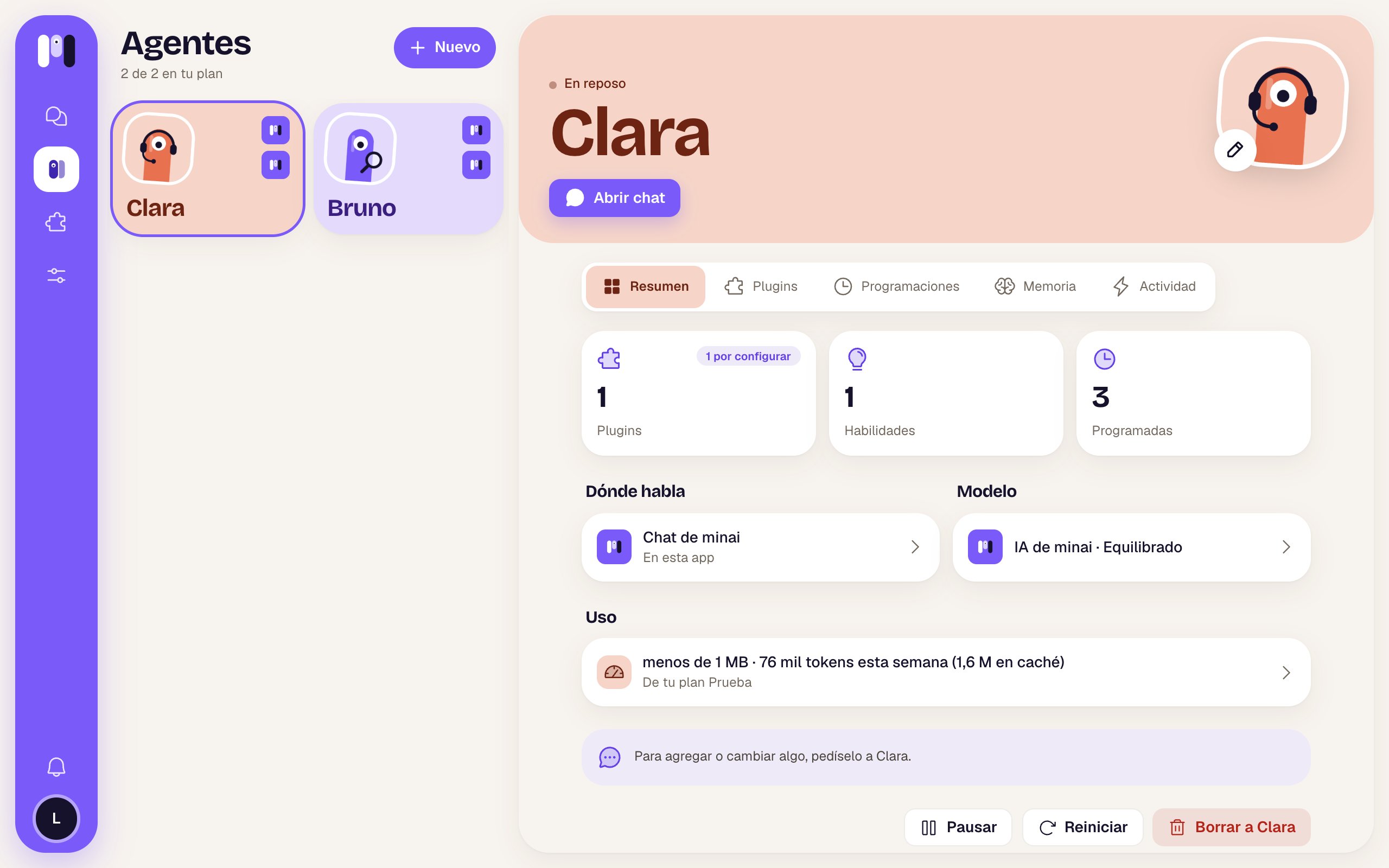
The violet bar on the left, with Agents selected
On a phone: the bottom bar
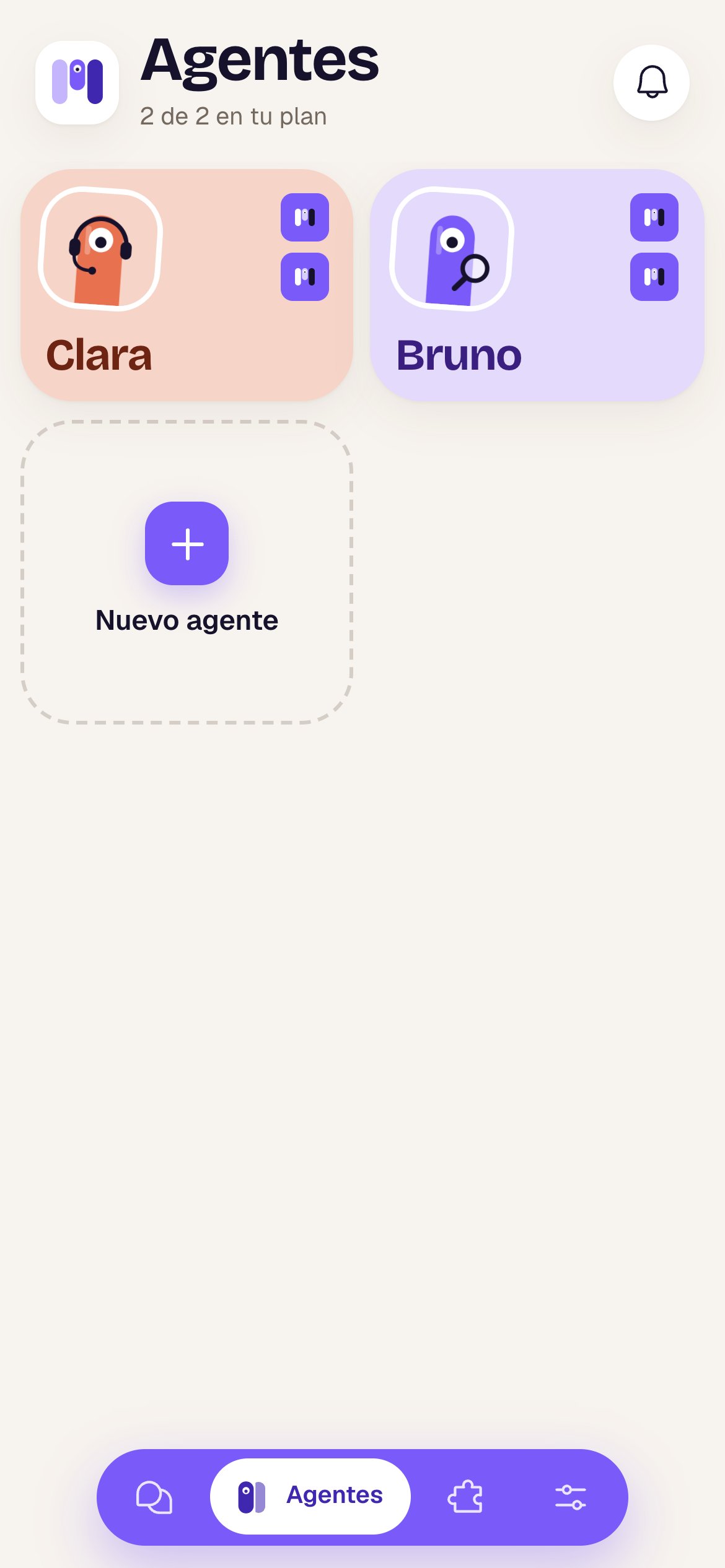
At the bottom there’s a floating violet bar with the same sections: Chats (if there are any yet), Agents, Plugins and Settings. The active one is a white pill that shows its name; the others show only their icon.- The bar hides when you go into a full screen (a chat, an agent, a setting, a plugin). To go back, use the arrow at the top left.
- The bell for Notices is at the top right of each main list (Agents, Chats, Plugins, Settings), with the number of unread notices (up to 9+).
- With 2 or more instances, the logo at the top left carries your current instance’s icon in its corner: tap it to switch.
Your instances
If you have more than one instance (for example, Personal and Work), the instance icon opens “Your instances” — “Each with its own agents, channels and plan.”:- Tap another instance and the whole app switches to it: its agents, its chats, its plan.
- New instance sets up another one, empty and with its own plan.
Before you get into the app
On the first screens (choosing a language, choosing a plan, connecting your AI) there’s no bar. At the top right there’s a person icon, Account, that shows your email and has Switch instance (if you have more than one) and Sign out.Chats
The list and each conversation.
Notices
What minai tells you and what to do.