

How it connects
- Add Wise to your agent and open Create an API token.
- In Wise: Your account → Integrations and tools → API tokens → Add new token. Name it minai. If offered, Full access allows changes and Read only allows queries only. Confirm 2-step verification and copy the token: it’s shown only once.
- Paste it into the one-time link your agent sends, never in the chat. Your agent checks the connection.
- If Wise needs extra verification and your agent gives you its public key, add it under API tokens → Manage public keys. The public half grants no access by itself.
The two permissions
Under Tools → Wise, both start off:
Before each change, the agent shows a preview: choose Confirm or Change. Setting up a transfer does not pay it.
What you can ask
- “How much do I have in each currency, and what came in this week?”
- “How much arrives if I send 200 dollars?”
- “Prepare this transfer and show me the details before paying.”
- “Tell me when money comes in or a transfer arrives, bounces or is refunded.”
- “Turn on the weekly report.”
Limits and disconnecting
Paying from your balance and downloading statements works in the US, Canada, Australia, New Zealand, Singapore and Malaysia. Elsewhere it leaves the transfer ready and you pay it in Wise’s app. Some accounts accept an extra public key; that alternative is no longer available in the EU and UK. Notices depend on their subscription being configured; the agent checks its status and tells you if permissions are missing. To cut off access, remove the plugin and revoke the token in Wise.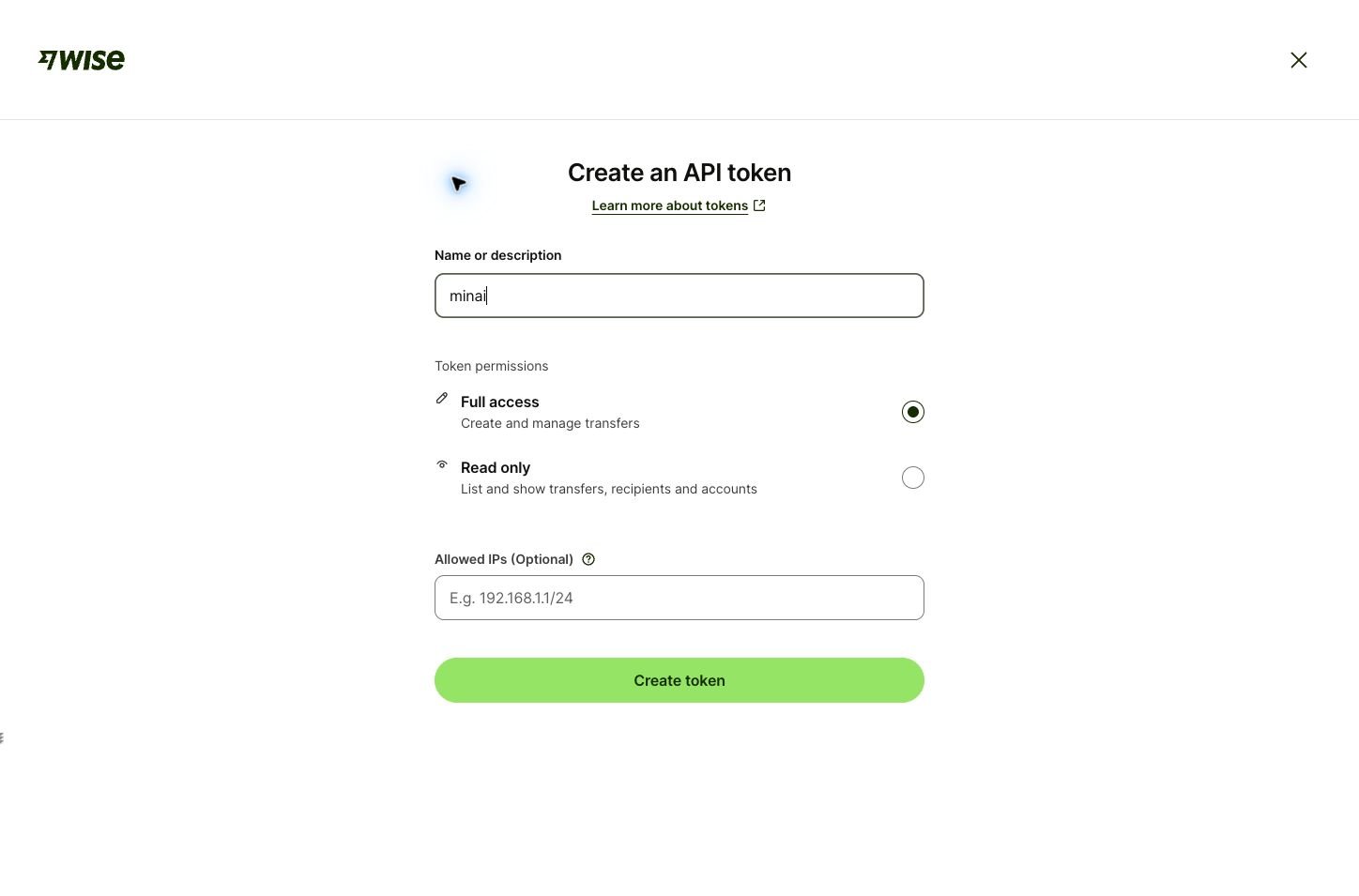
Wise token form