

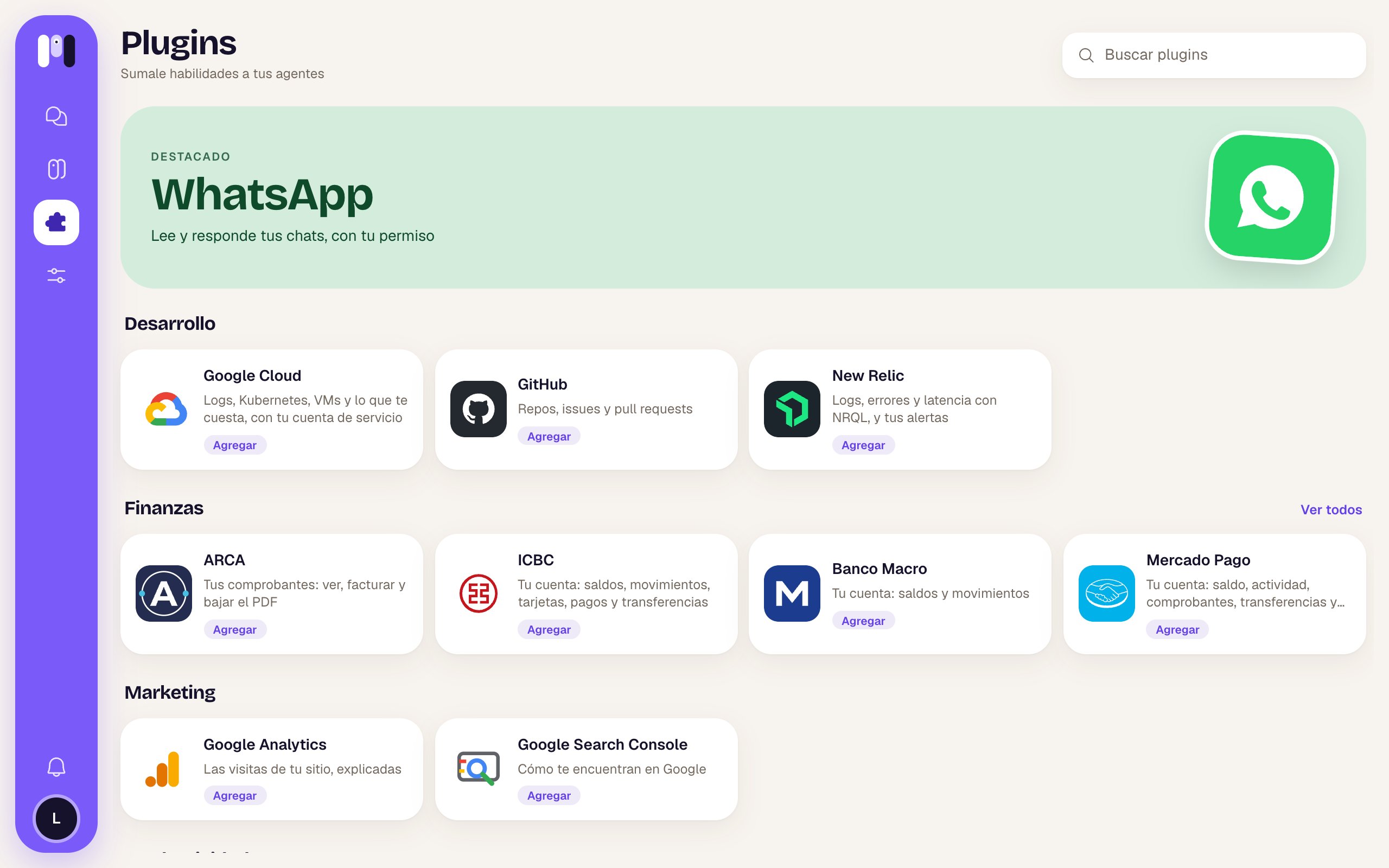
What’s in the library
Each one has its own page in the Plugins tab of this help site.
How to add one
- You add it to an agent from the library (or you ask the agent and it asks for your OK).
- minai installs it on the agent right away.
- The agent writes to you to finish setting it up: it asks you for simple values in the chat and sends you one-time links for keys. The Google and Atlassian ones connect with an installer on the web.
- When it has everything, it checks that it works and tells you what it can do.
Your keys, kept safe
Passwords, tokens and keys are never typed in the chat. The agent sends you a link that works once (and expires in an hour); what you enter there is stored encrypted and only that agent uses it. See Keys and values.Nothing important without your OK
Anything that writes, sends, moves money or changes something, the agent shows you first (who to, how much, the exact text) and waits for you to say yes. On top of that, some plugins have permissions that come turned off and that only you can turn on:- Email: Allow sending email (off, it leaves you drafts).
- ICBC: Allow payments and transfers.
- Mercado Pago: Allow transfers and dollar trades.
- ARCA: Allow issuing comprobantes (invoices).
- Stripe, Google Cloud, New Relic: Allow changes.
The plugins that handle money or your most sensitive data (banks, ARCA, Mercado Pago, your email, Stripe) run on minai’s servers: the agent never sees your credentials and the permissions are enforced there, so the agent can’t get around them.