

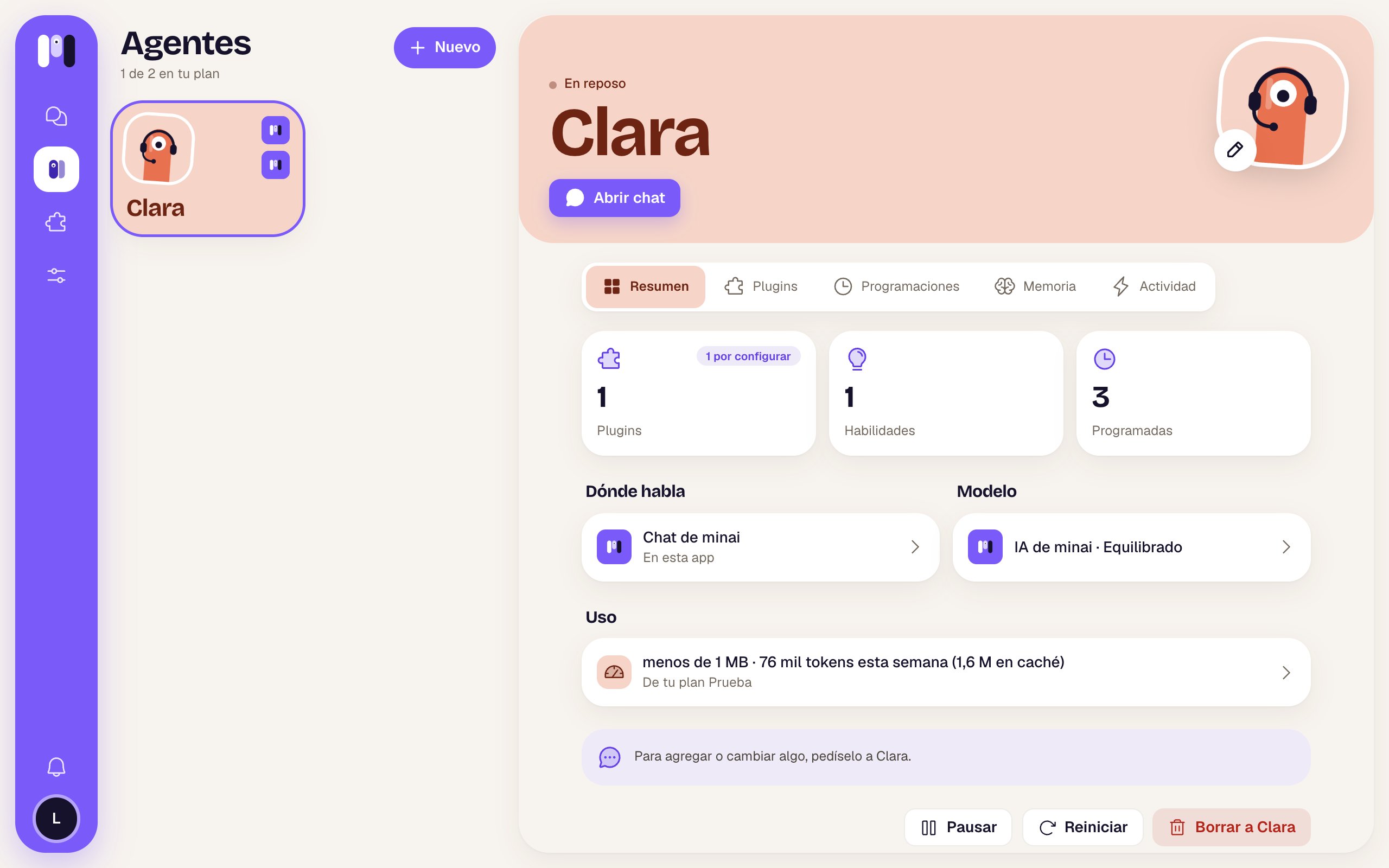
Name and face
Tap the pencil on its picture. Change the name, the face or the color and tap Save. If the agent talks outside minai, its contact is updated:- Telegram: the bot takes the agent’s name and its picture changes (the @username doesn’t change).
- WhatsApp: the group’s name and picture change.
- Slack: the channel takes the agent’s name.
Model
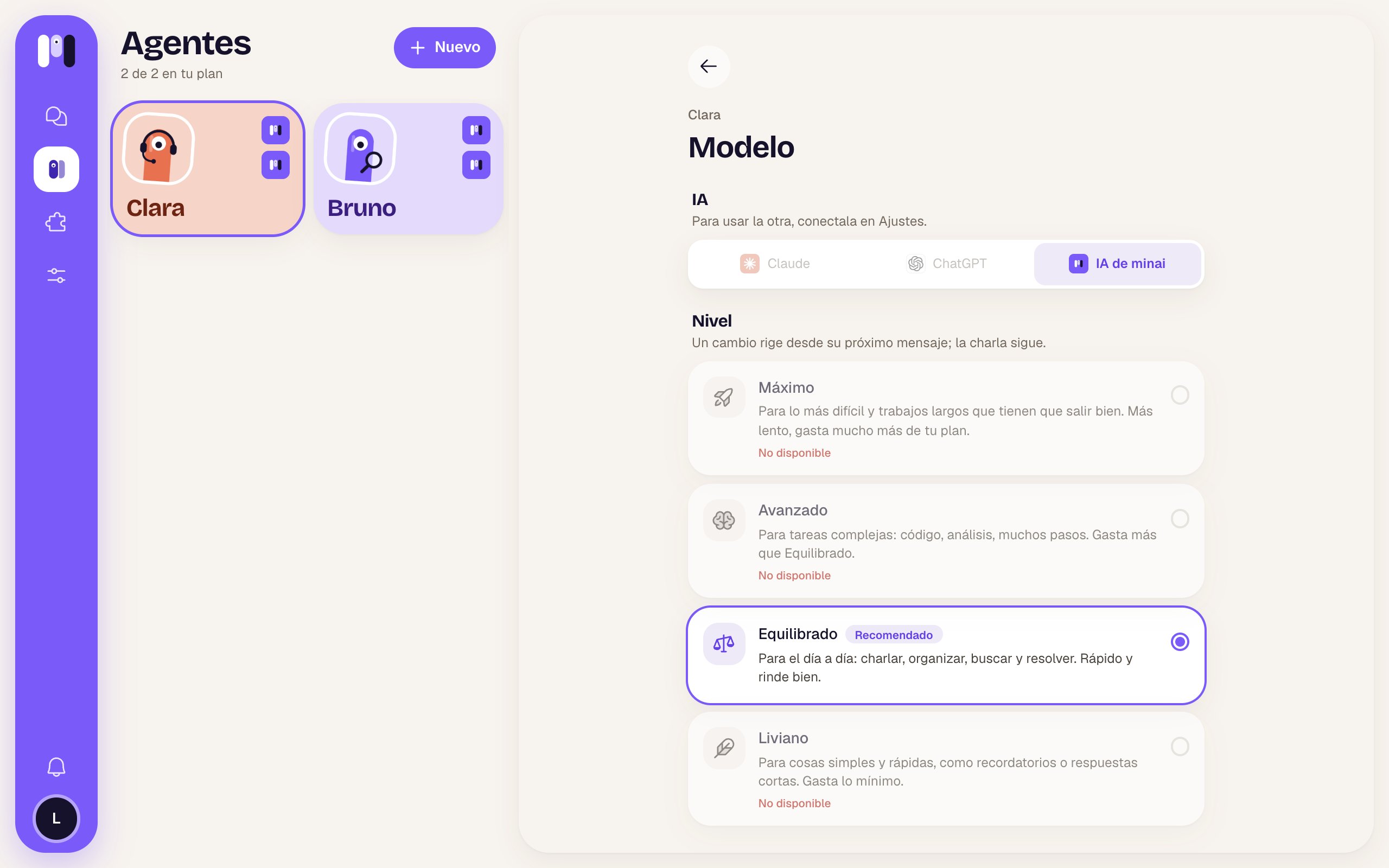
In the Overview, tap Model.- Level: tap another one and you’re done. It applies from its next message; the conversation goes on.
- AI: if you have more than one connected, you can move it to another one. minai asks you first, because it starts a new conversation: it only keeps a summary of the latest things. It keeps its memory, plugins, keys and schedules, and writes to you to let you know. If it was in the middle of something, remind it.
Change channel
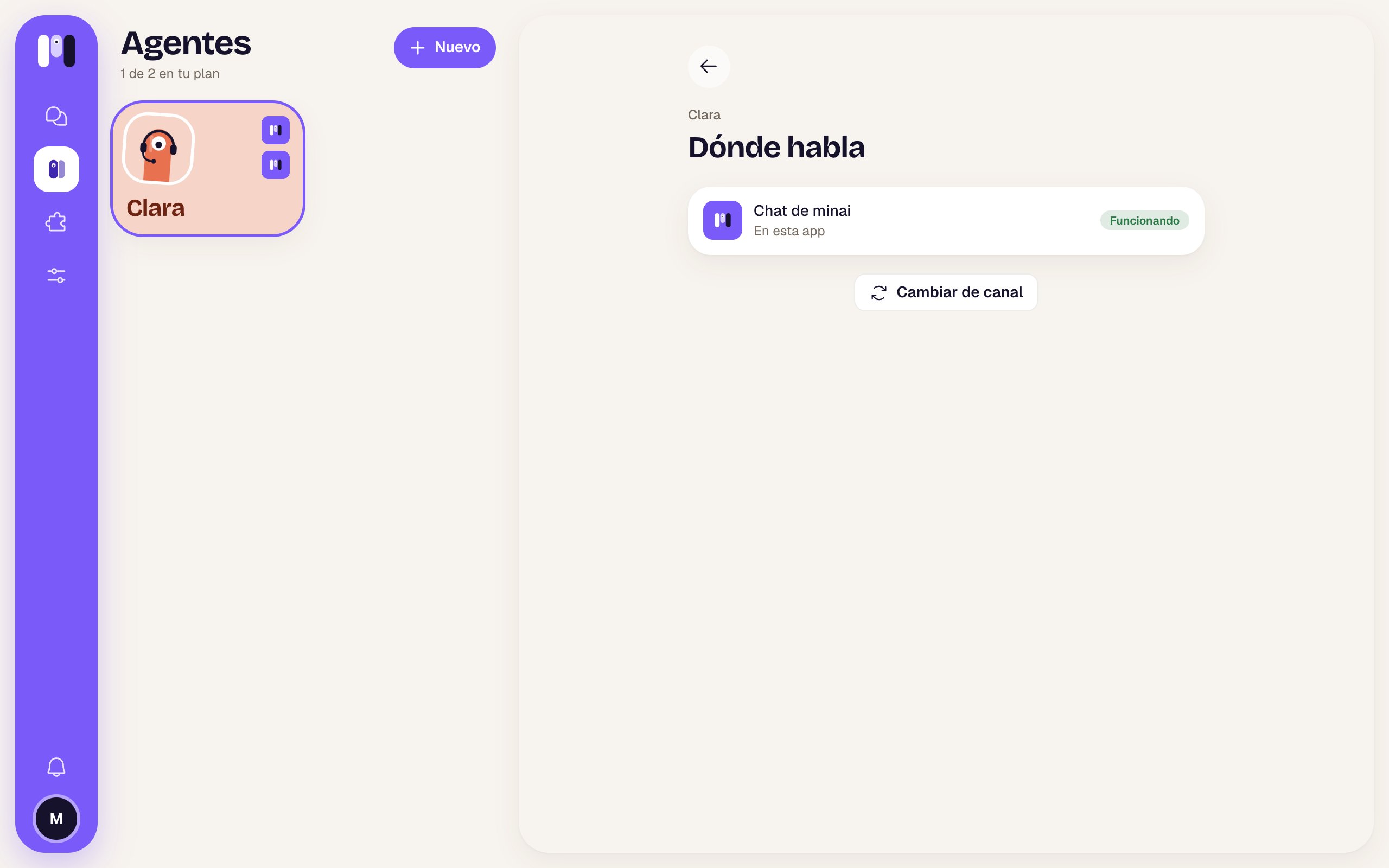
Personal agents only. In the Overview, tap Where it talks and then Change channel.1
Choose the new channel
It shows you the other channels. Follow the steps for the one you choose, just like when you created it.
2
The agent moves
The old channel keeps working until the new one is ready. Then the agent leaves one last message in the old one (“Clara now talks on Telegram…”) and keeps talking to you in the new one.
3
Delete what's left
The old group, bot or channel is left for you to delete.
A group agent stays in its group. For another group, create another agent.
Pause, restart and delete
At the bottom of the Overview you have three buttons:
To stop only the task it’s doing, without restarting it, use the stop button in the chat or send
/stop. See Stop, restart and pause.