1
Name and face
Type its Name and pick a face from the Looks, Trades or With a face collections, in the color you like. You can also upload an image of your own in One of yours → Upload (PNG or JPG up to 2 MB). Tap Next.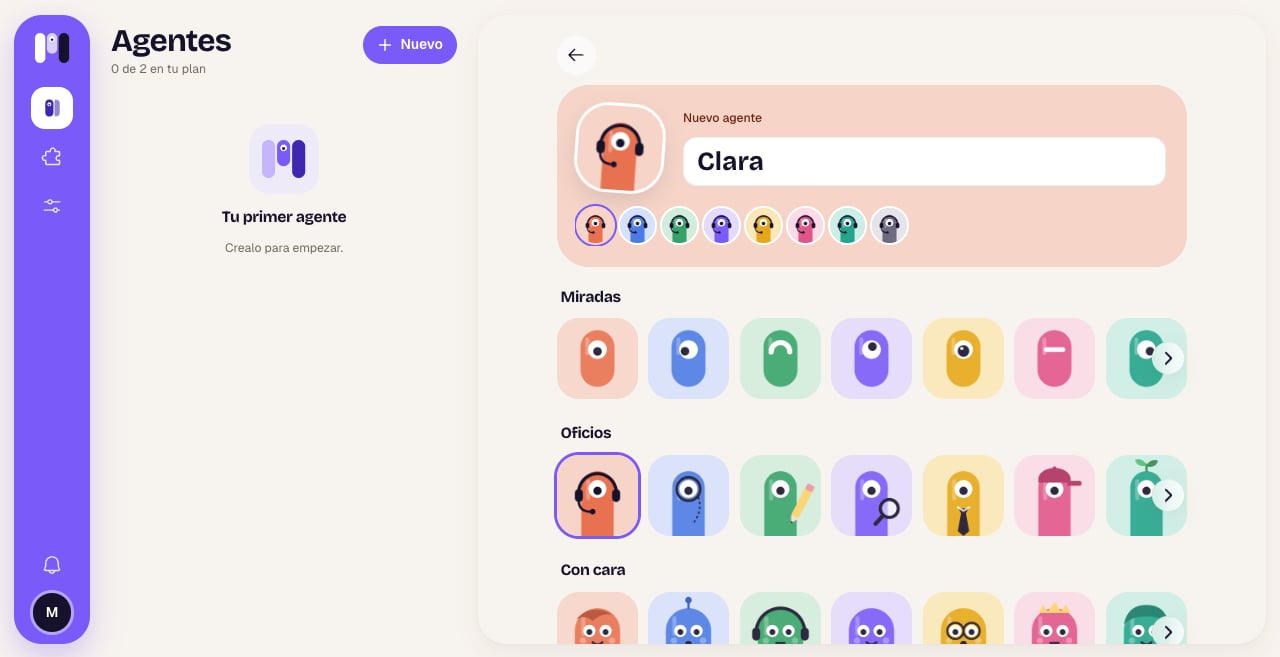
2
What it thinks with
If you have more than one AI connected, choose which one it uses. Then choose the level: Balanced is recommended for everyday use. Tap Next.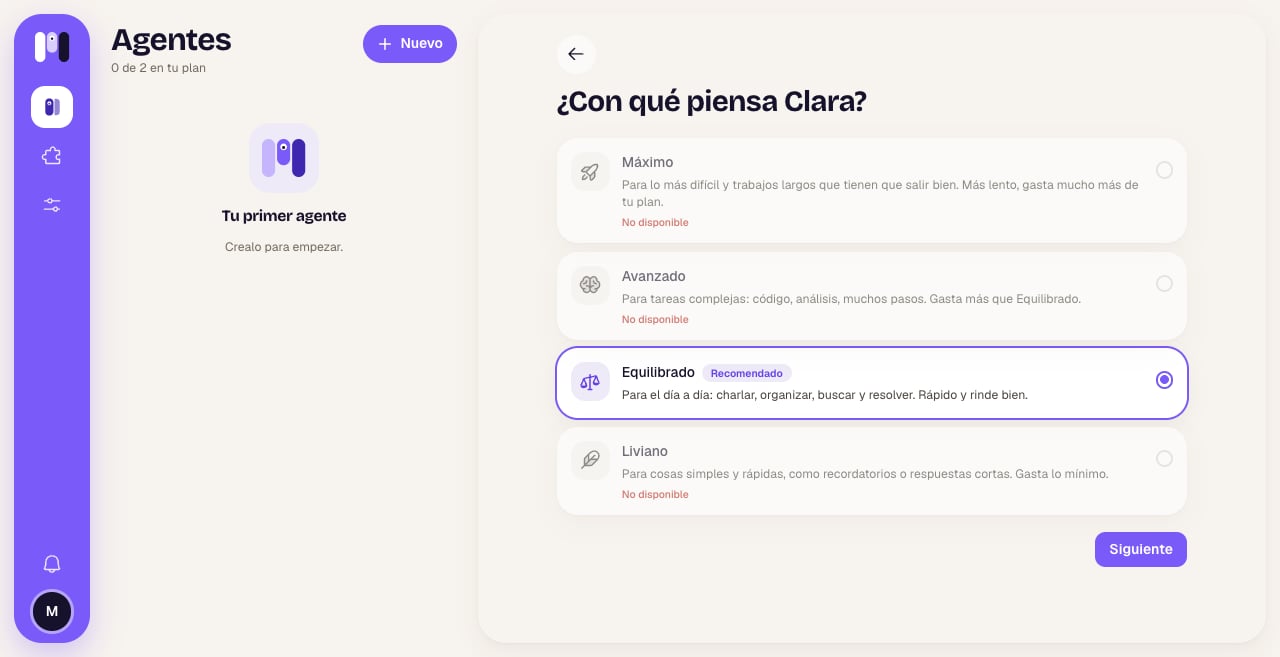
3
Who it's for and what it'll do
At the top, choose For me or For a group (this can’t be changed later). Below, tap what it’s going to do: Personal assistant, Developer, DevOps or From scratch. When you tap it, the agent is created.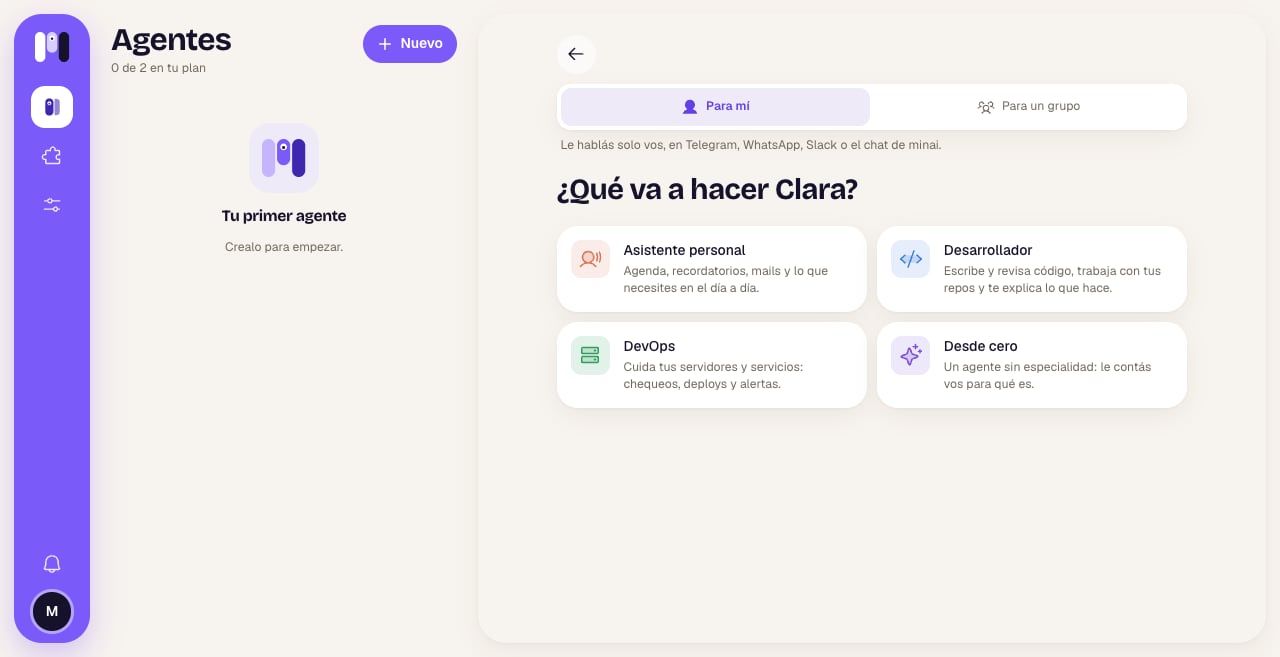
4
Where you talk to it
Choose the channel: Here, in minai, Telegram, WhatsApp or Slack. Each one has its own steps, which the app walks you through.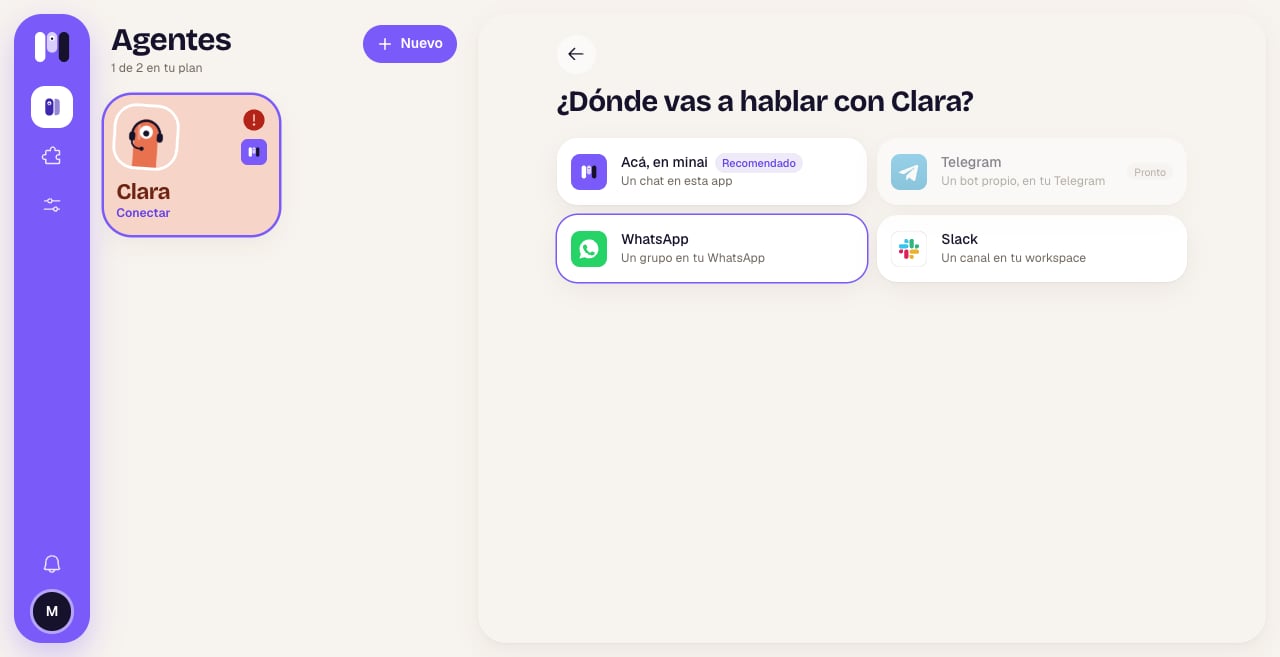
Each channel’s steps
Here, in minai
Here, in minai
There’s nothing to do: its chat opens and it writes to you in a moment. See minai’s chat.
Telegram
Telegram
Tap Open Telegram: minai’s bot opens. Tap Start, then Create with your agent’s name (for example, Create Clara) and confirm. minai creates a bot of its own for your agent; open it and tap Start. You don’t need to create anything in BotFather. See Telegram.
WhatsApp
The first time, you choose the line: A minai line (no number of your own) or Another line of mine (a separate number that you link). Then, from your usual WhatsApp, you send the message with the code that opens, and minai creates a group with you and your agent. See WhatsApp.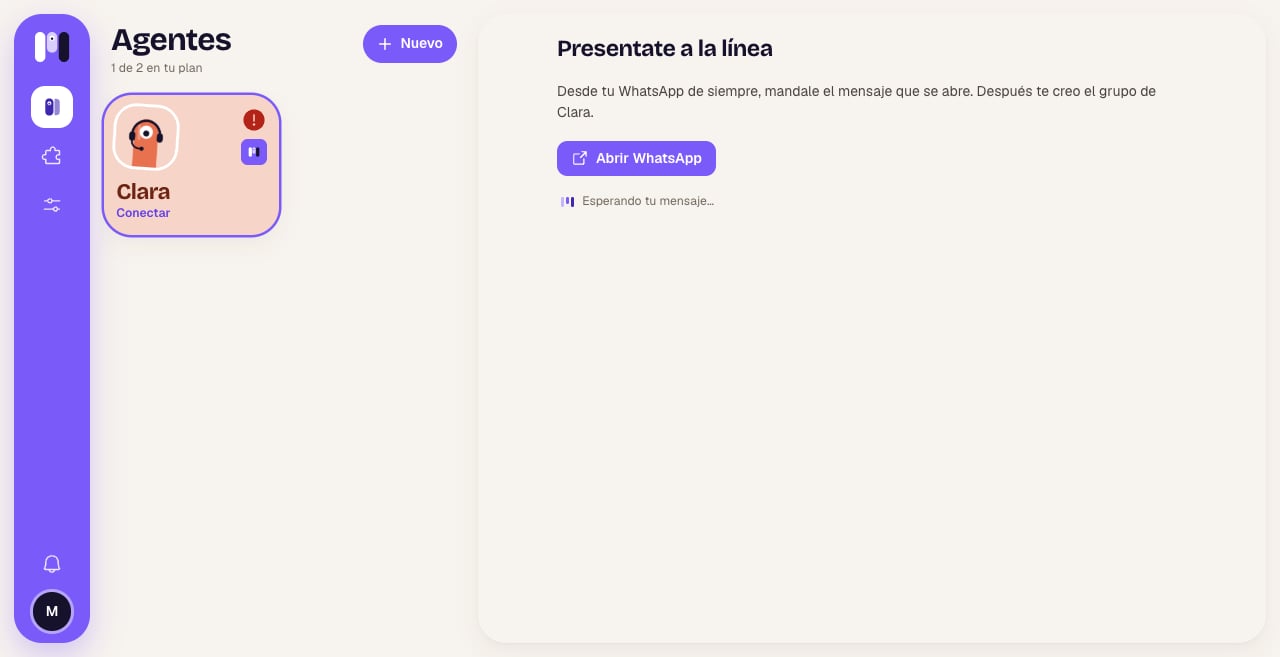
Slack
Slack
Tap Add to Slack, choose your workspace and tap Allow. minai creates a private channel for your agent. See Slack.
An agent for a group
If you choose For a group, the channel is a Telegram or WhatsApp group, or a Slack channel, where everyone can talk to it. minai’s chat isn’t available for groups. See Group agents.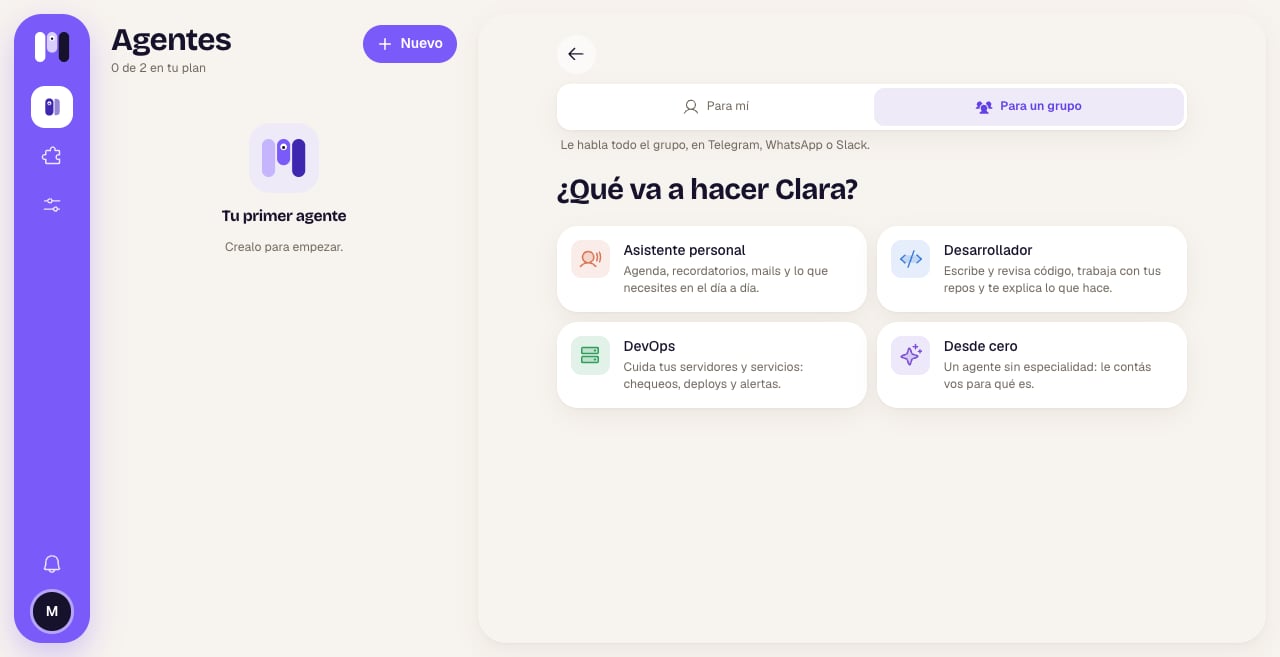
If your plan is full
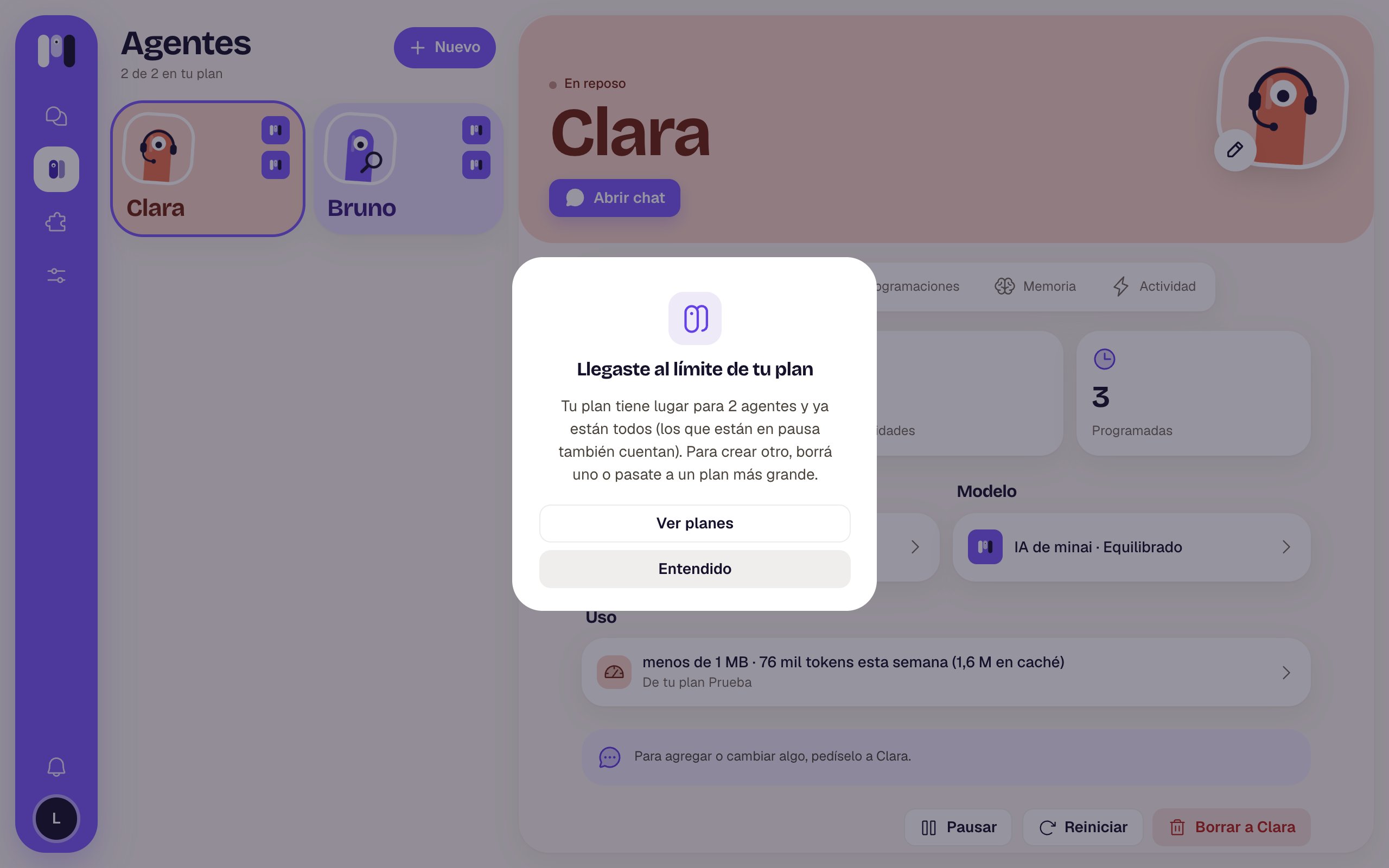
If you already have all the agents your plan allows, tapping New lets you know. Paused agents count too: to create another one, delete one or move to a bigger plan.