

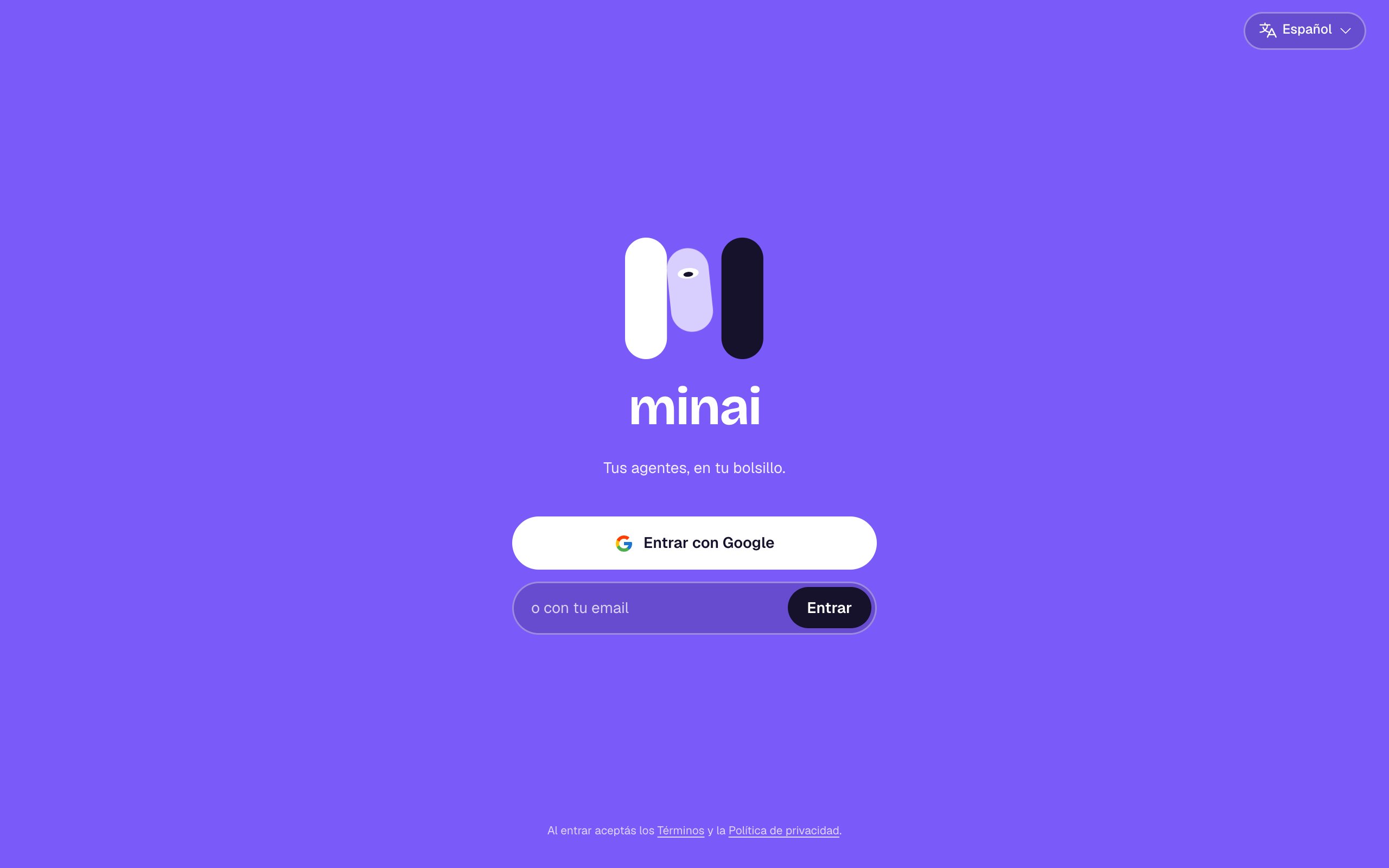
With Google
Tap Sign in with Google and choose your account. If you had already signed in with a link to the same email, it’s the same account.With your email
1
Type your email
In the or with your email field, type it and tap Sign in.
2
Check your email
You get an email from minai with the subject “Your link to sign in to minai”. The link works only once and is valid for 15 minutes.
3
Tap the link
minai opens and you’re in. If you open it on another device, you’re signed in on that one.
The email didn't arrive
The email didn't arrive
Check your spam or promotions folder. If you asked for another one less than 30 seconds ago, wait a bit and try again. Make sure the email address is spelled right (you can fix it with Use another email).
It says “The link expired or was already used”
It says “The link expired or was already used”
Links last 15 minutes and work once. Ask for a new one from the sign-in screen.
It says “We couldn't sign you in with Google”
It says “We couldn't sign you in with Google”
Try again or sign in with your email. Only Google accounts with a verified email are accepted.
The first time
When you sign in for the first time:- You choose your language (Español or English).
- You connect your AI: Connect your AI.
- You create your first agent: Create an agent.
By signing in you accept the Terms and the Privacy policy. minai is for people 18 and over.