

1
Sign in to minai
Open app.min-ai.ar and tap Sign in with Google, or type your email and tap Sign in: you get a link to sign in, no password. If it’s your first time, your account is created with a 14-day free trial, no card needed.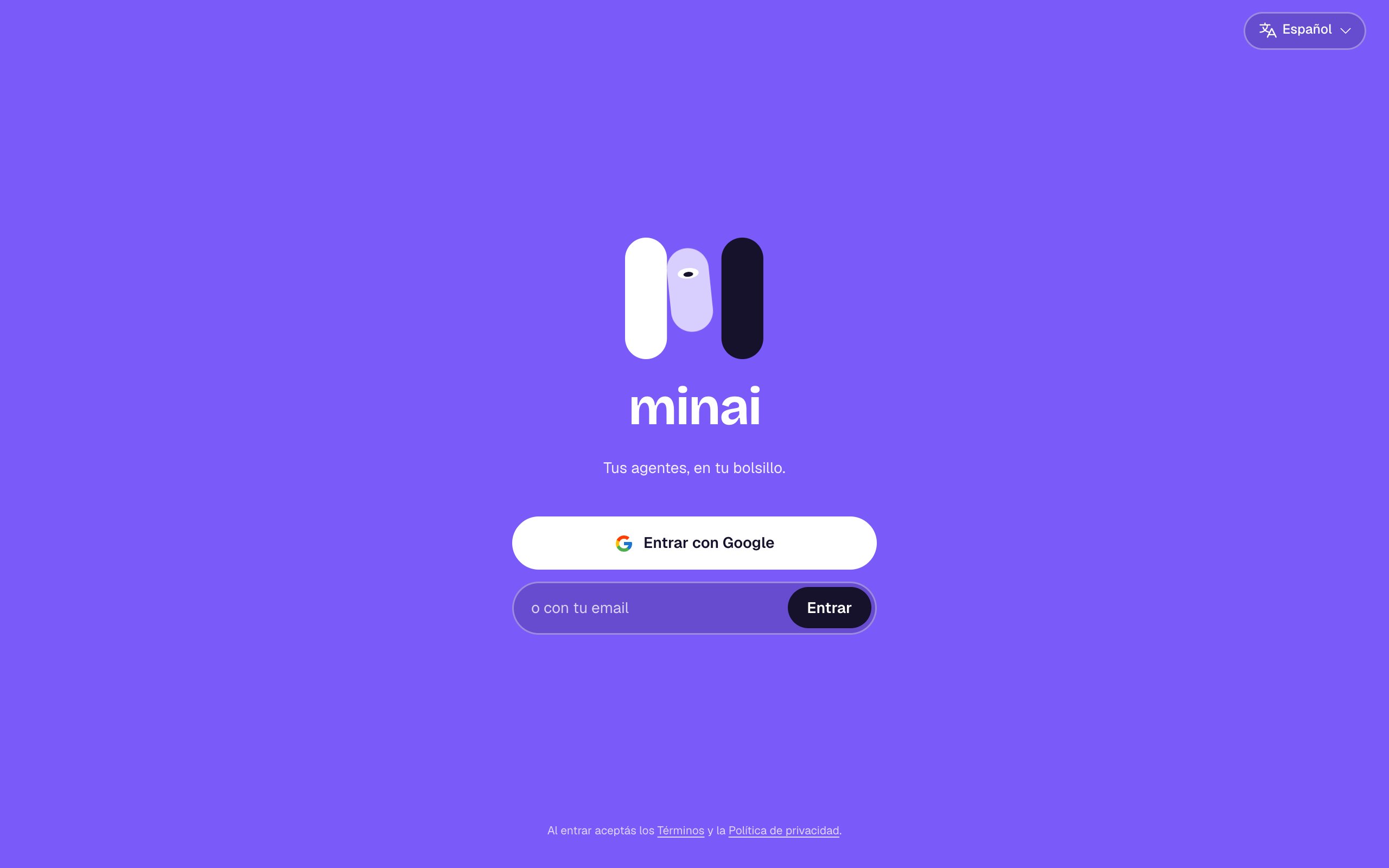
2
Choose your language
It’s the language minai and your agents talk to you in. You can change it later in Settings.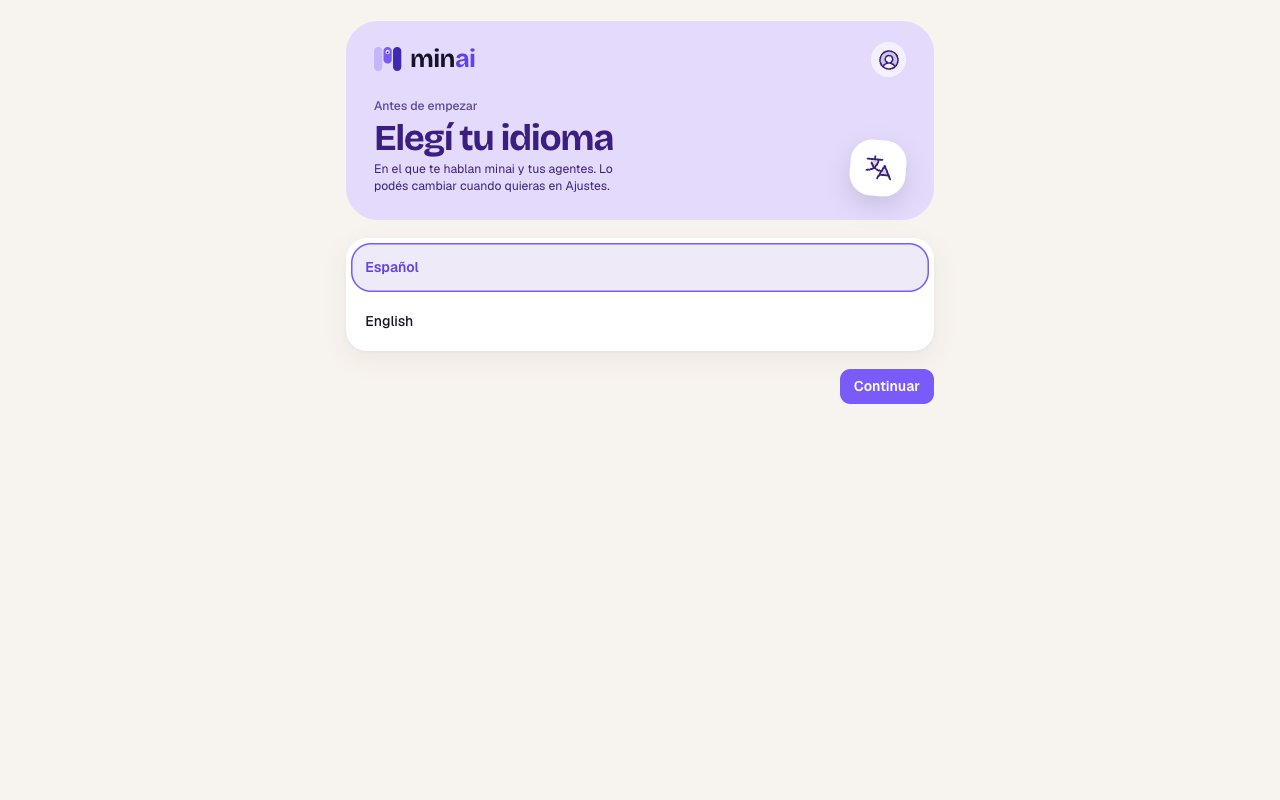
3
Connect your AI
Your agents need an AI to think with. Pick one: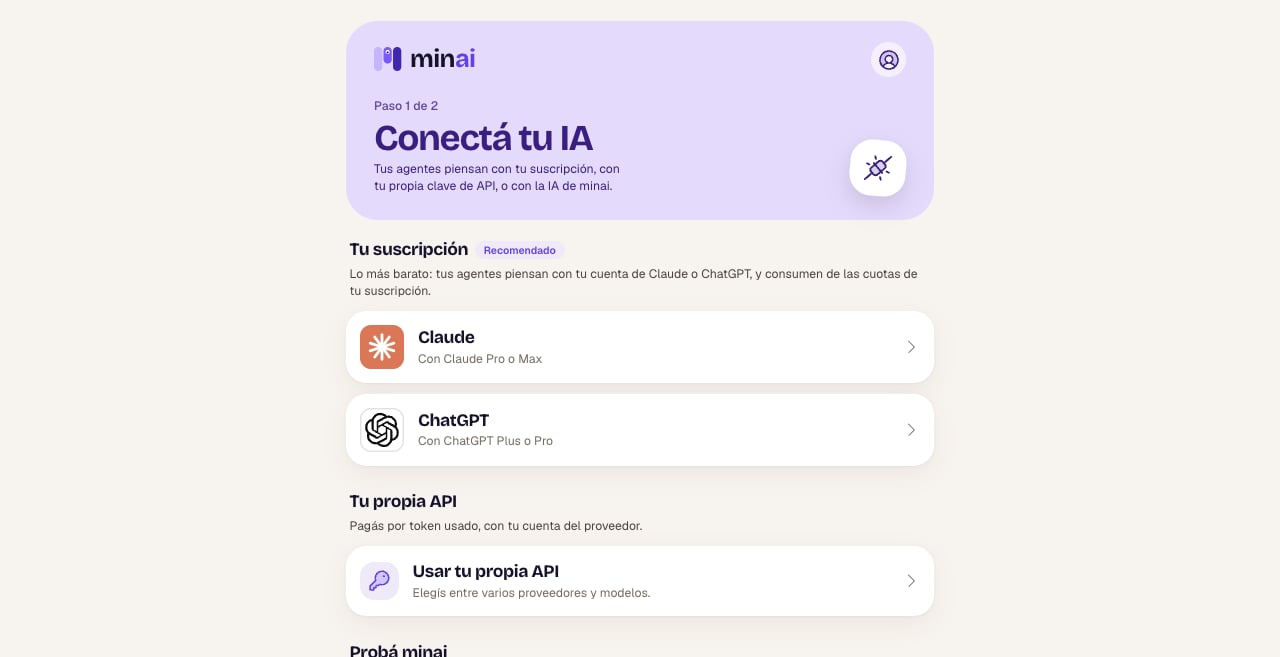
- Claude or ChatGPT, with your subscription (Claude Pro or Max; ChatGPT Plus or Pro). It’s the cheapest option.
- Your own API: you pay for what you use with your OpenAI or OpenRouter account.
- minai’s AI: to try it right away, with nothing to set up, while your trial lasts.
4
Create your agent
In Agents, tap New. Give it a name and choose its face, leave the level on Balanced, choose For me and tap what it’s going to do, for example Personal assistant.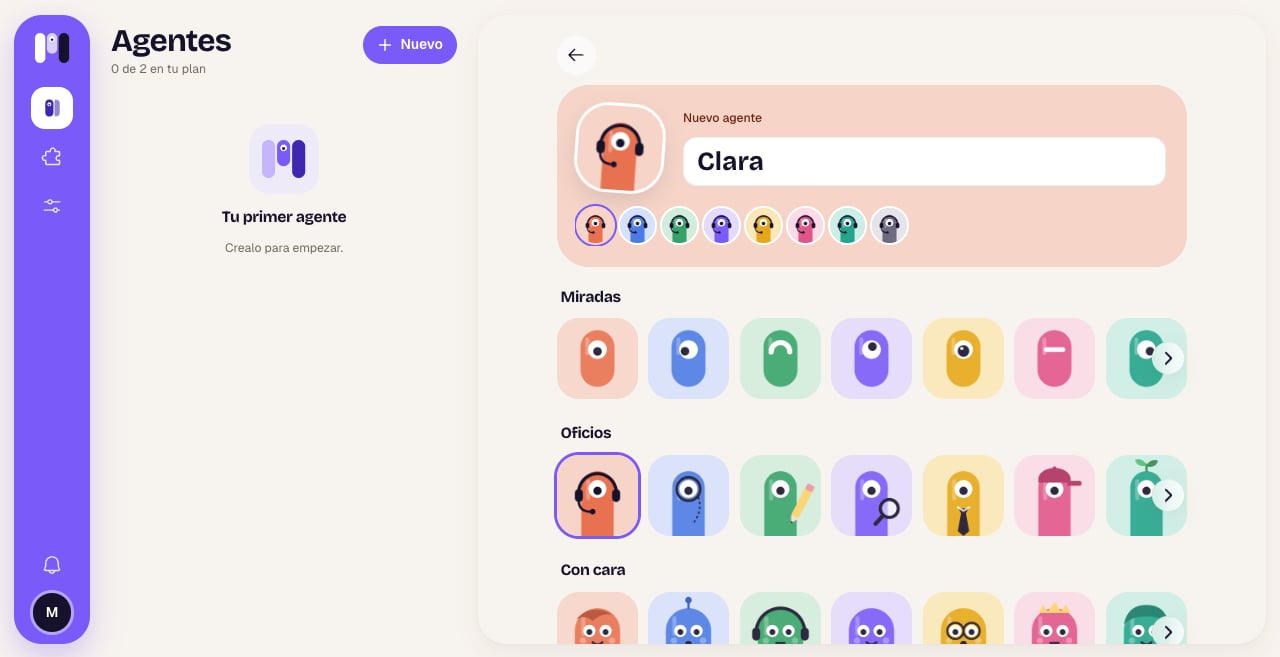
5
Choose where you'll talk to it
Tap Here, in minai to start in the app’s chat. You can also choose Telegram, WhatsApp or Slack.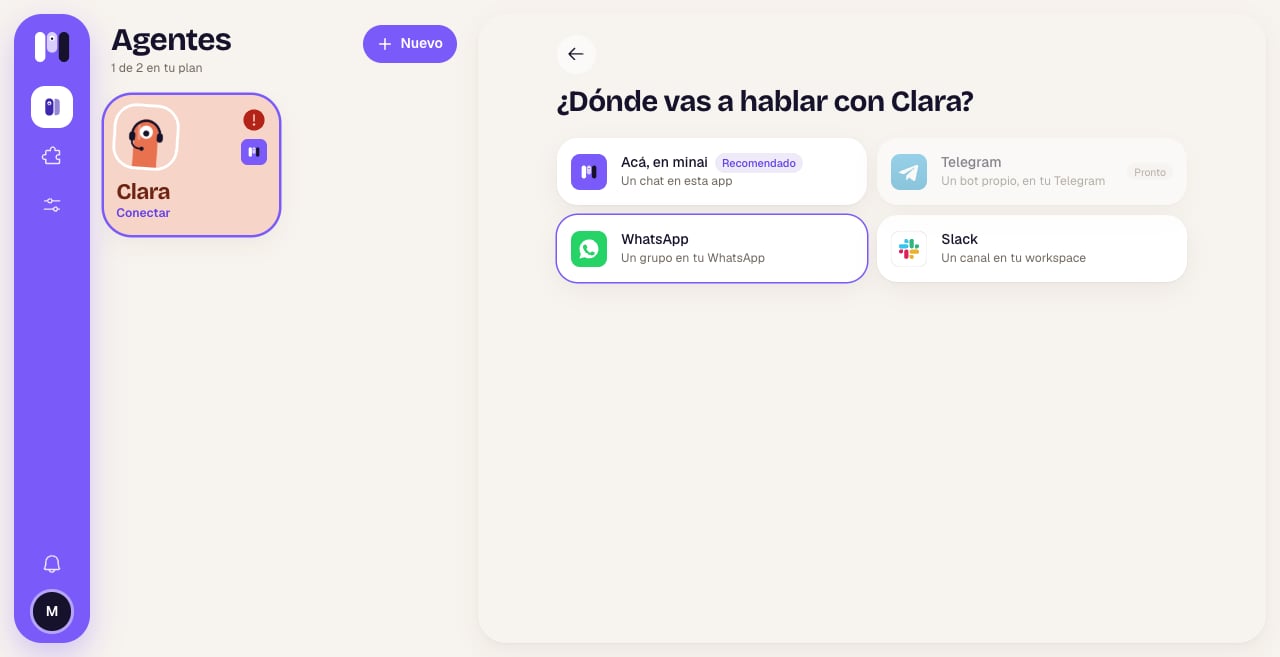
6
Chat
Your agent writes to you first: it introduces itself and asks you a couple of questions to get to know you. Answer, and then ask it for whatever you need.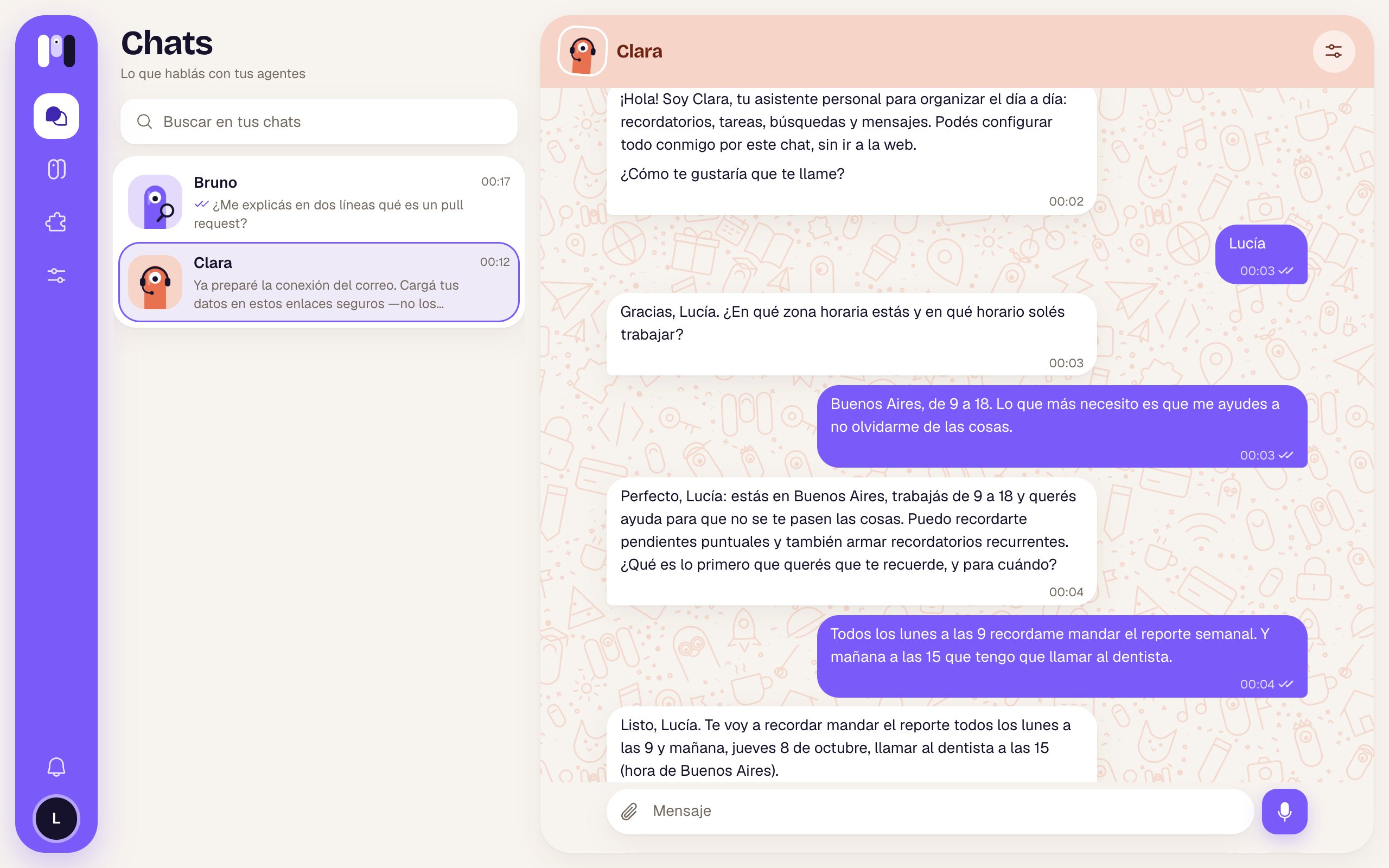
First things to ask
- “Remind me tomorrow at 9 to call the accountant.”
- “Every Monday at 9, remind me to send the weekly report.”
- “Look up online which holidays are left this year and make me a list.”
- “I want you to read my Gmail and let me know if anything comes in from the bank.”
- “What do you have written down about me?”
Keep reading
Agents
What an agent is, personal or group, and what you can change about it.
Channels
minai’s chat, Telegram, WhatsApp or Slack: which one suits you.
Add tools
Connect your email, your calendar, your bank and more.
What it can do
Memory, schedules, files, the web and more.