

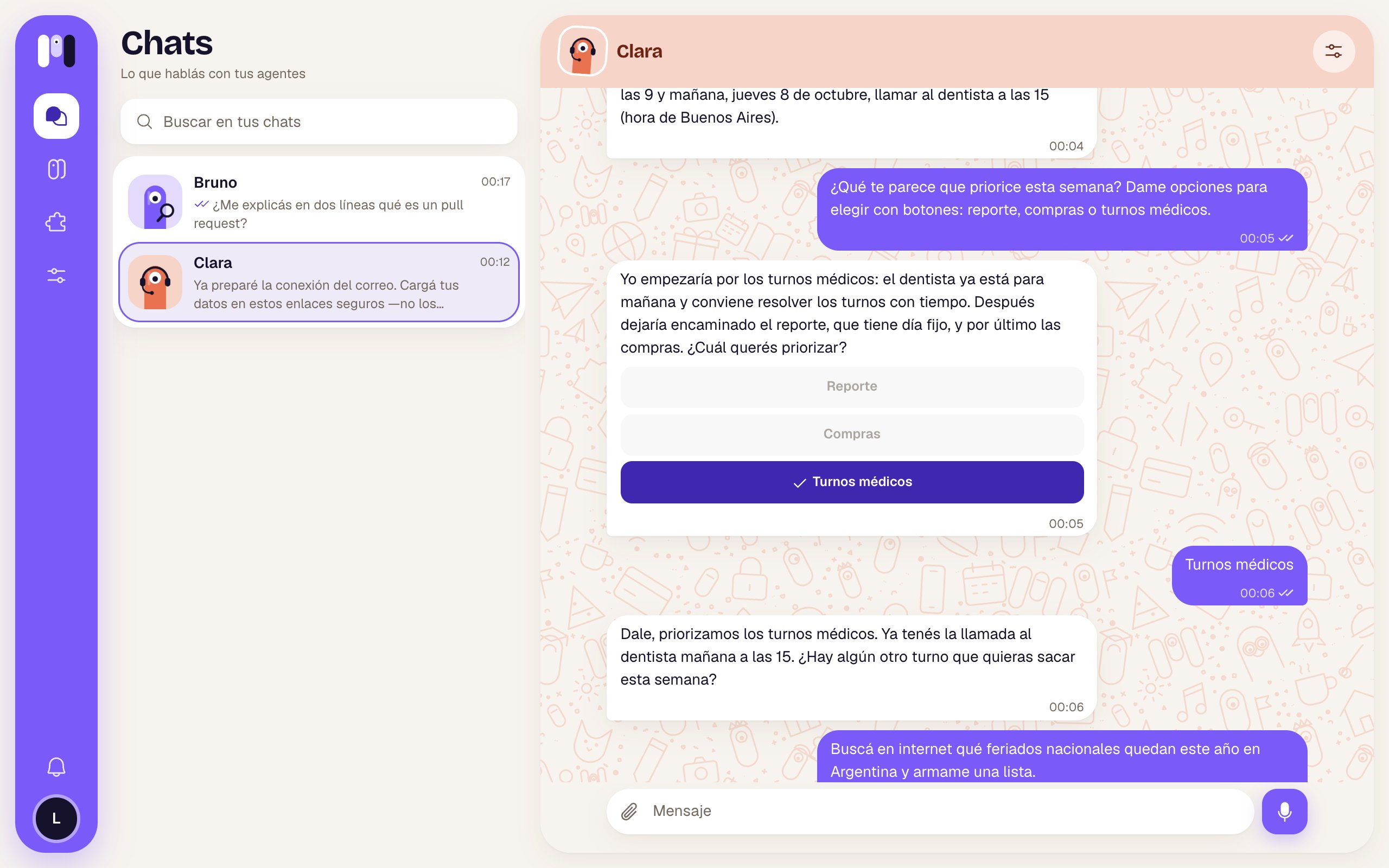
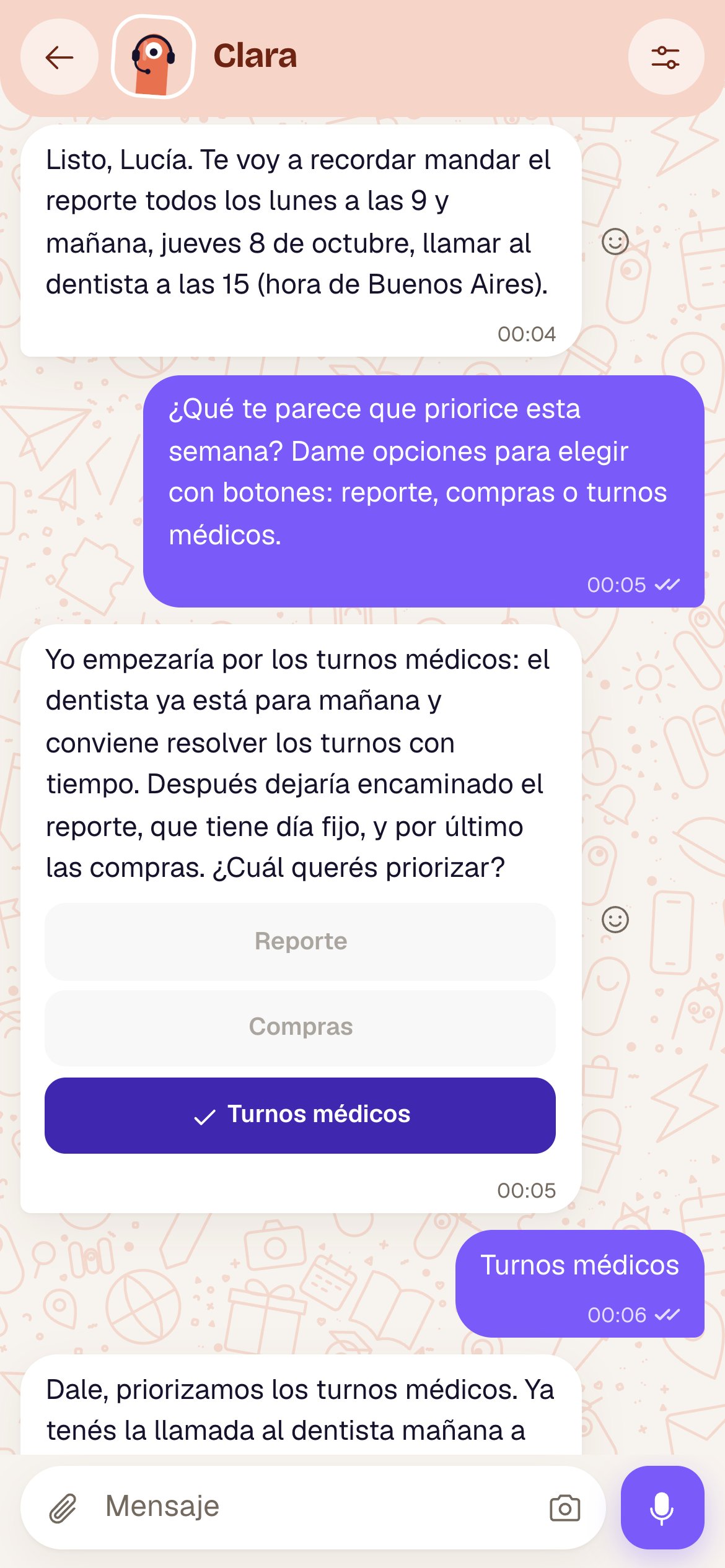
Clara offers three options as buttons; here Doctor appointments was already chosen
How they work
- Tap one and that’s your answer, as if you’d typed it.
- You can only choose once per message. The chosen option is marked with ✓ and the rest are dimmed.
- Some are links: they open a page instead of answering (they show a ↗).
- You can always type something else instead of tapping a button.
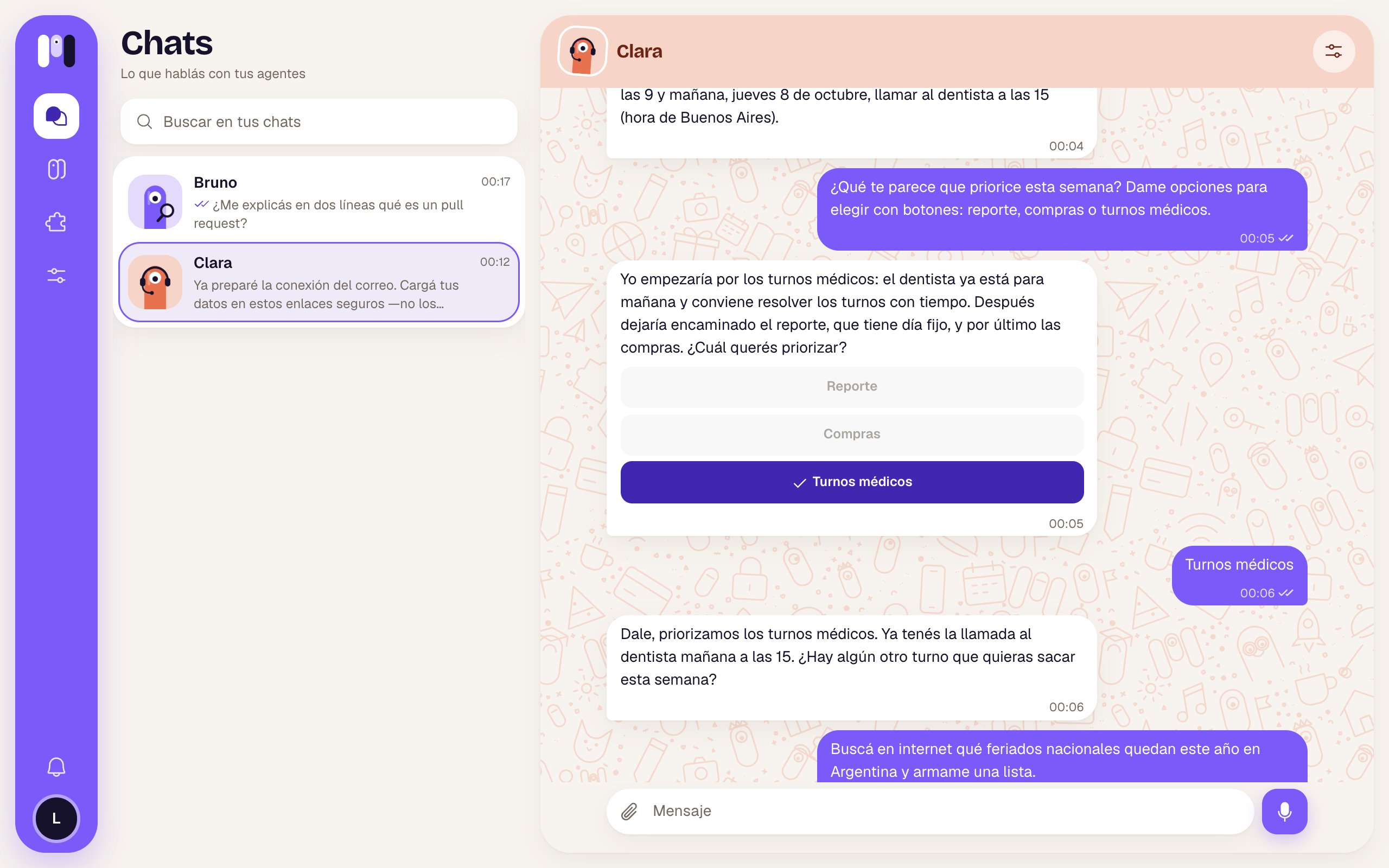
The chosen option is marked with ✓ and the rest are dimmed
On each channel
Examples
- Your agent: “Should I keep it casual or more formal with you?” → Casual · Formal
- Your agent: “How often do you want me to check your email?” → Every 1 hour · Every 2 hours · Don’t remind me
- Your agent, before sending an email for you: → Send · Change
One-time link buttons
In the minai chat, when your agent needs a key or to connect an account, the link shows up as a button: Enter key, Connect WhatsApp or Connect Google. It opens inside the app and works only once. See Keys and values.Good to know
- From the app you can’t tap the buttons in Telegram or Slack chats: you choose on the platform.
- WhatsApp has no buttons: options always arrive as a numbered list.
Compare channels
What changes from one channel to another.
minai chat
Everything the app’s chat shows.