

At the top
These can also show up:
- A red “Your agents are stopped” card with the reason, if your account is suspended. Tap it to go to Plan and usage.
- The “Install minai on your phone” card, on a phone, if you haven’t installed it yet. See Install the app.
- The result of adding to Slack, when you come back from Slack (“Slack is connected. You can close this tab.”, “The link expired…”).
No agents
If you haven’t created any yet, you see “Your first agent” — “Make it to get started.”. Tap New and follow Create an agent.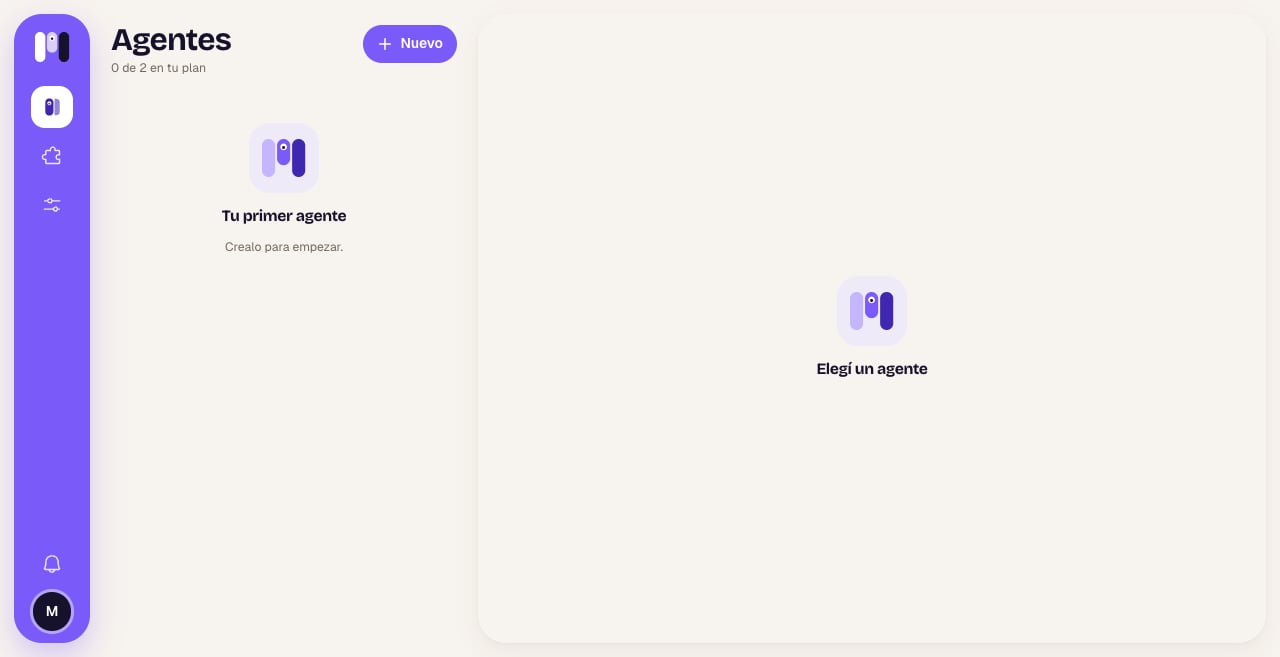
No agents yet. Notice that Chats isn't in the bar: it shows up with the first channel
The cards
Each agent is a card in its color:
Tap the card to open its Overview. If it has no channel, it takes you to pick one.
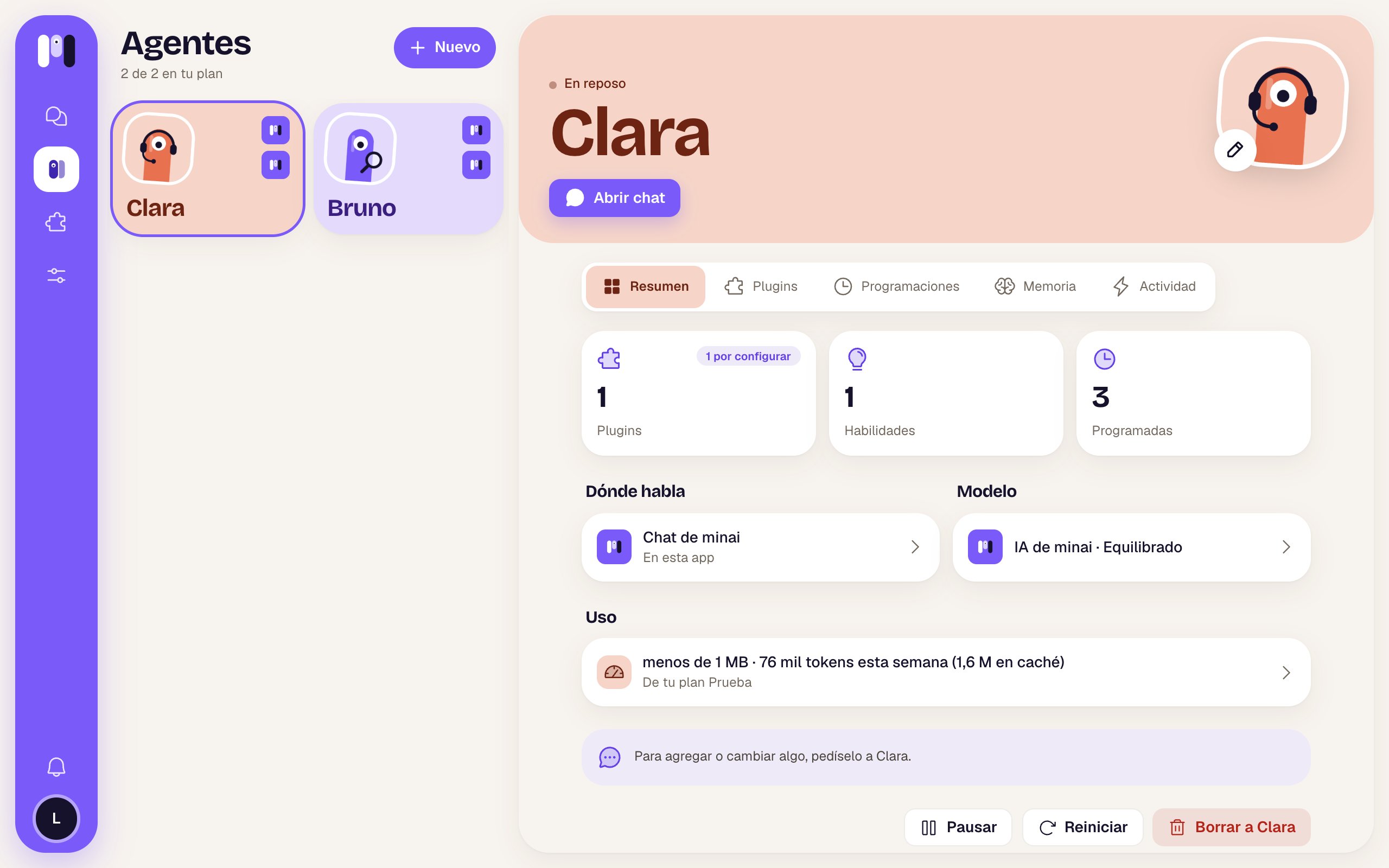
Clara and Bruno, both in minai chat and with minai's AI
When your plan is full
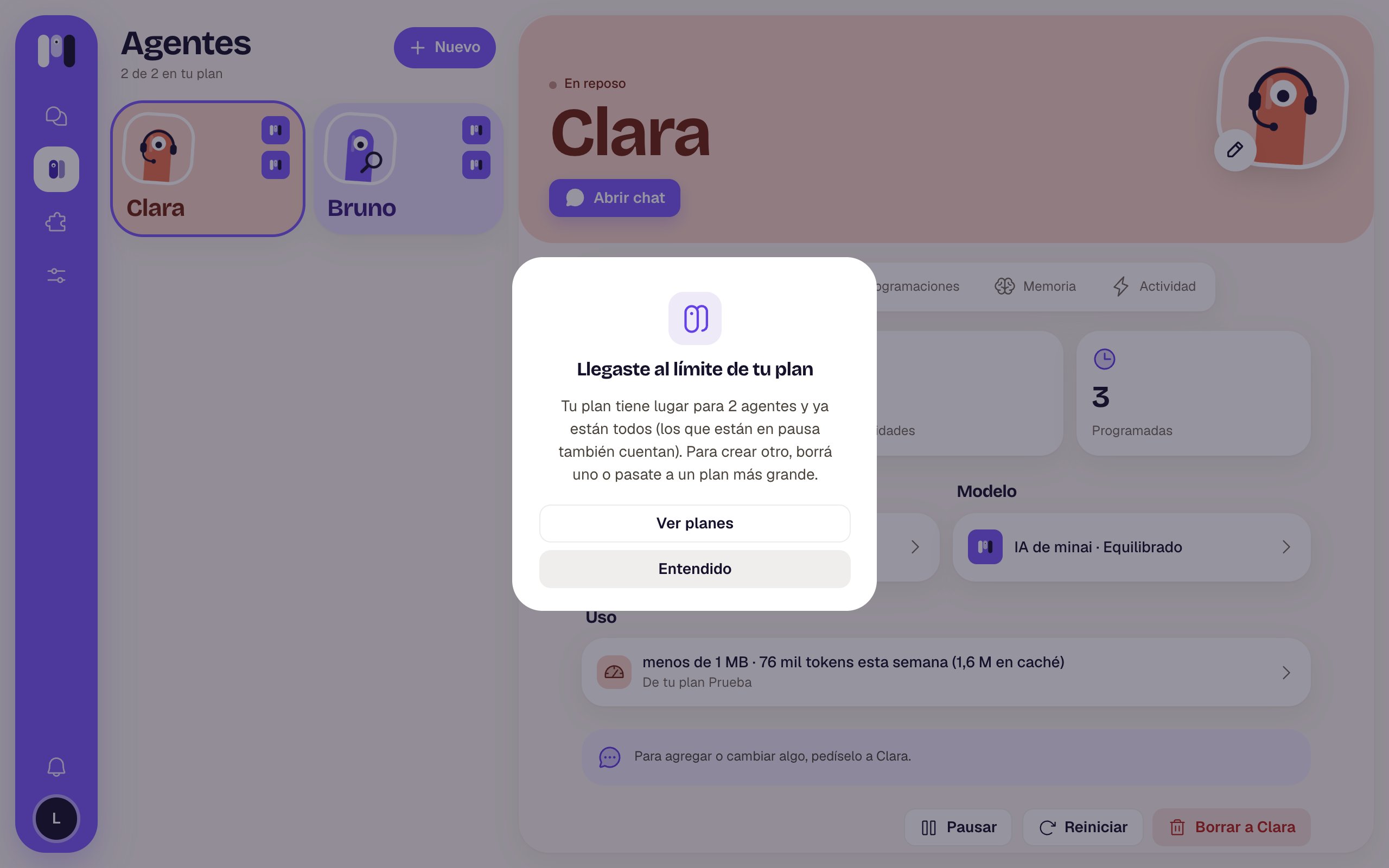
If you already have all the agents your plan allows, New doesn’t create one: it opens “You’ve reached your plan’s limit” — “Your plan has room for 2 agents and they’re all taken (paused ones count too). To make another, delete one or move to a bigger plan.”- See plans takes you to Plan and usage.
- Got it closes it.
Create an agent
Name, AI, what it’s for and where it talks.
Agent overview
What you see when you open one.