

Stop what it’s doing
If you asked it for something and changed your mind, or it’s taking too long:- In the minai chat: while it works, the send button turns into Stop. Tap it. You can also type
/stopand send it. - On Telegram, WhatsApp or Slack: send
/stop, on its own, with nothing else.
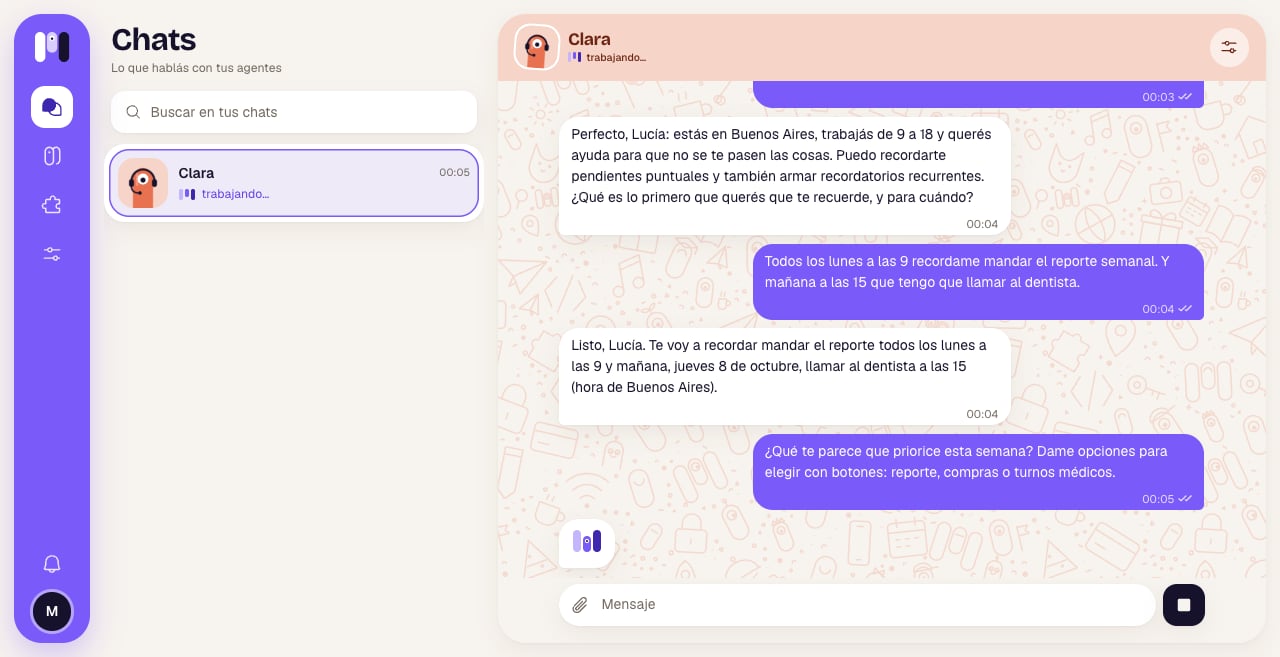
While it works, the Stop button
Restart
For when it’s stuck and doesn’t answer. In the agent, Overview → Restart. It asks “Restart Clara?”: “For when it’s stuck: it cuts short what it’s doing and starts again. The conversation goes on; nothing is deleted.”. Confirm with Restart and you’ll see “Clara started again” and “You can write to it now.”.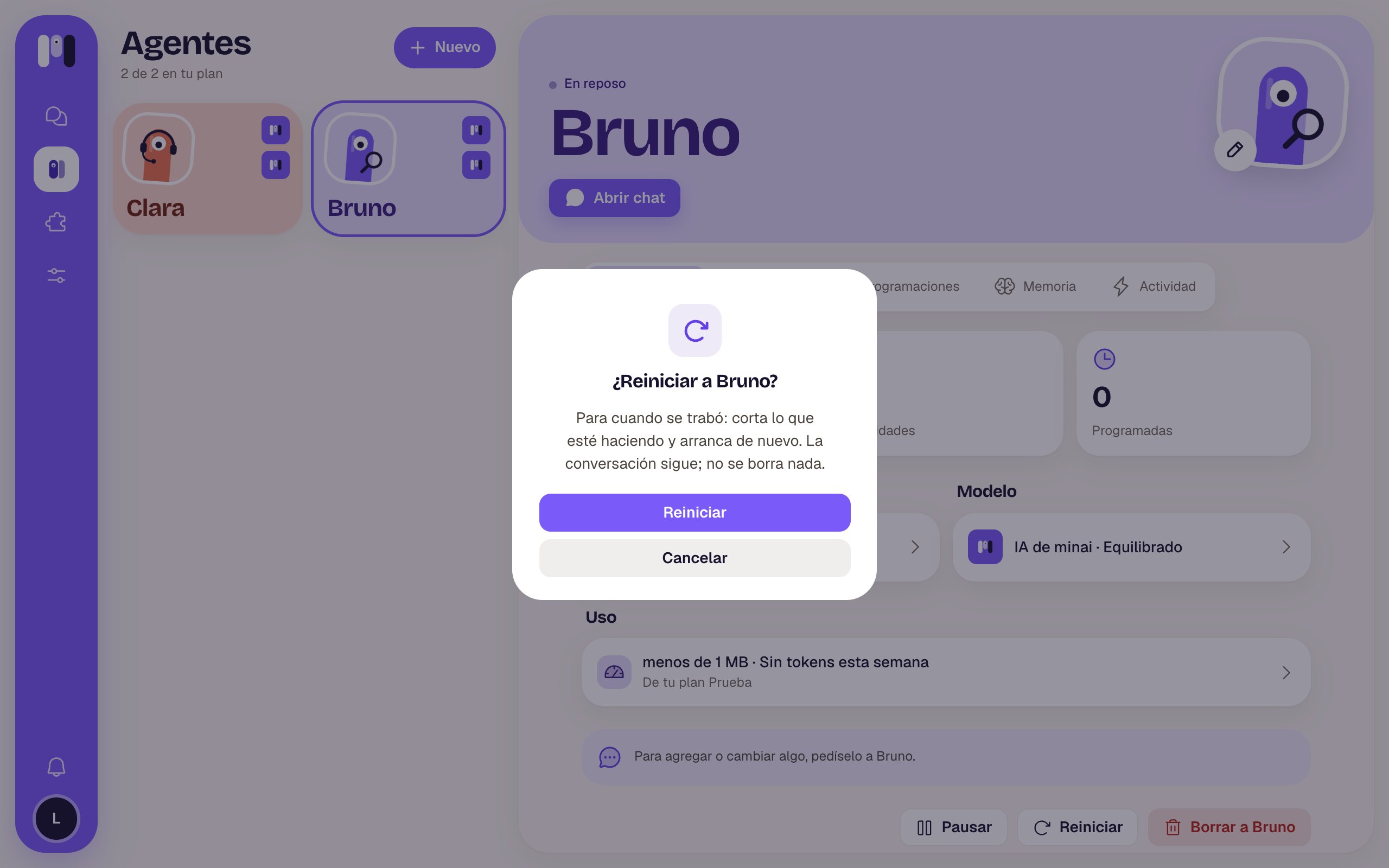
Confirming the restart
Pause and resume
In the agent, Overview → Pause. It asks “Pause Clara?”: “It won’t answer or run its schedules until you resume it. Nothing is deleted, and it still counts toward your plan.”.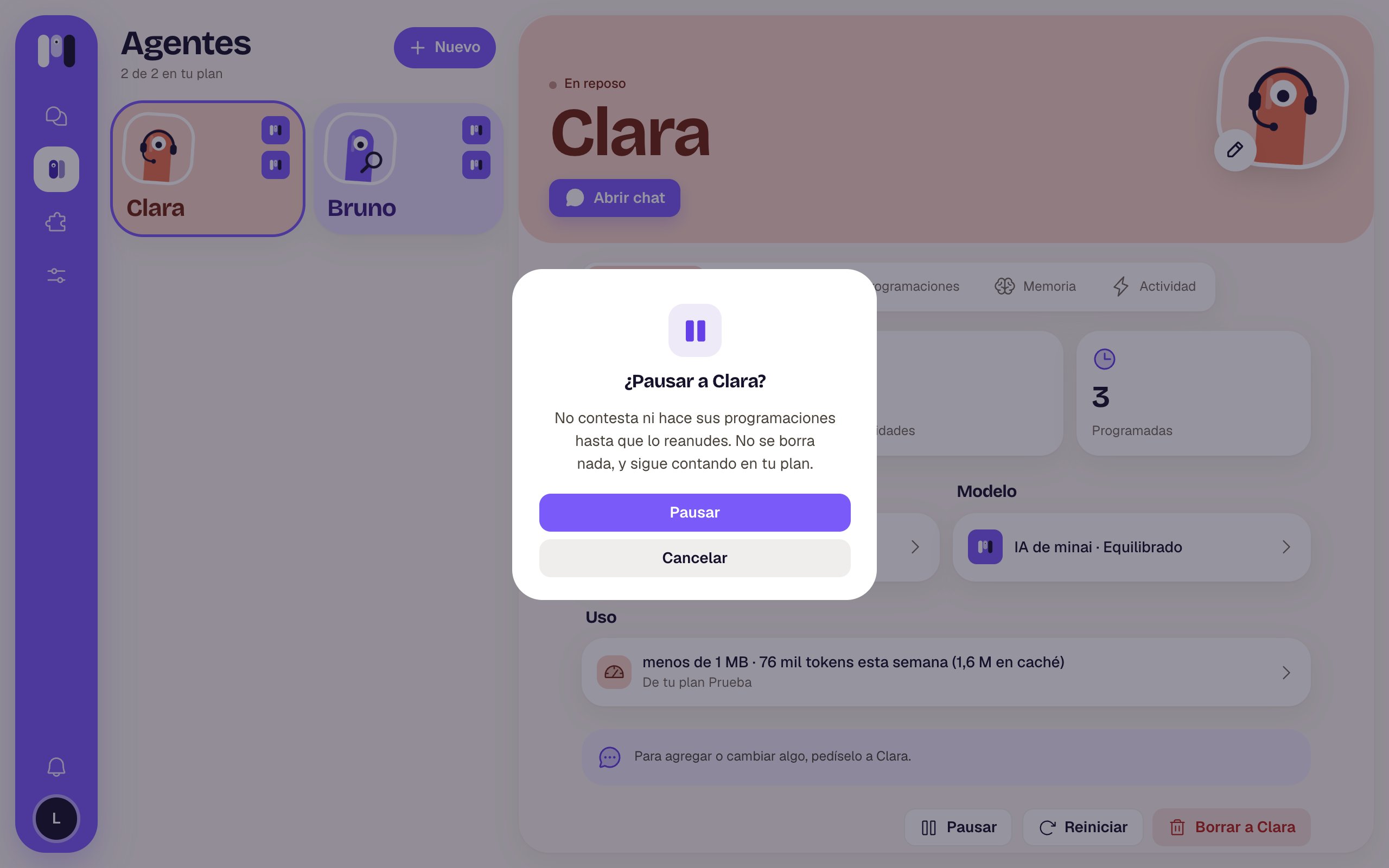
Confirming the pause
- If you write to it, you get an answer in its name: “Clara is paused. To have it answer again, resume it from minai.”.
- It doesn’t run its schedules.
- You can’t add plugins to it.
- It still takes up its spot in your plan: pausing doesn’t free up room for another agent.
What about starting from scratch?
There’s no button to delete the conversation: with each agent you have a single conversation that keeps going. Depending on what you’re after:- For it to forget something: tell it (“Forget my old address”) and it removes it from its memory. See Talk and remember.
- To truly start from scratch: create another agent. See Create an agent.
Changing its AI (for example, from Claude to ChatGPT) in Model does start a new conversation: it’s left with just a summary of the latest, and it keeps its memory, plugins, keys and schedules. Changing only the Level doesn’t break off the conversation.
Delete
In the agent, Overview → Delete Clara. It asks “Delete Clara?” (in this example, Clara talks on Telegram): “Its plugins, schedules and memory are deleted, and it stops answering on Telegram. This can’t be undone.”.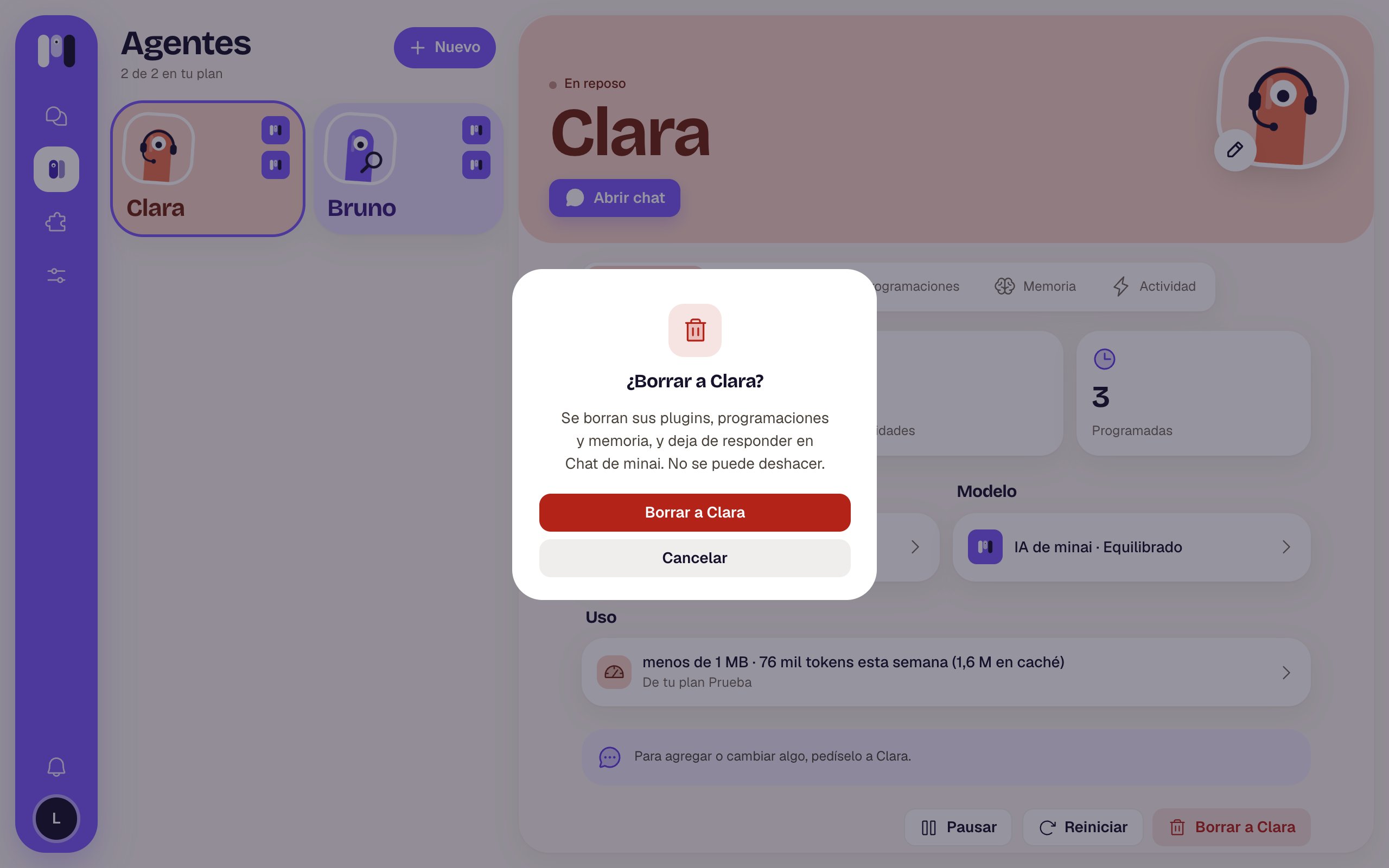
Confirming the deletion
- Telegram: minai can’t delete the bot. The bot says the agent was deleted and stops answering; if you want, you delete it yourself from Telegram.
- WhatsApp: the line leaves the group.
- Slack: the channel is archived.
Talk and remember
How the conversation keeps going and what it remembers.
Change an agent
Name, face, model and channel.