

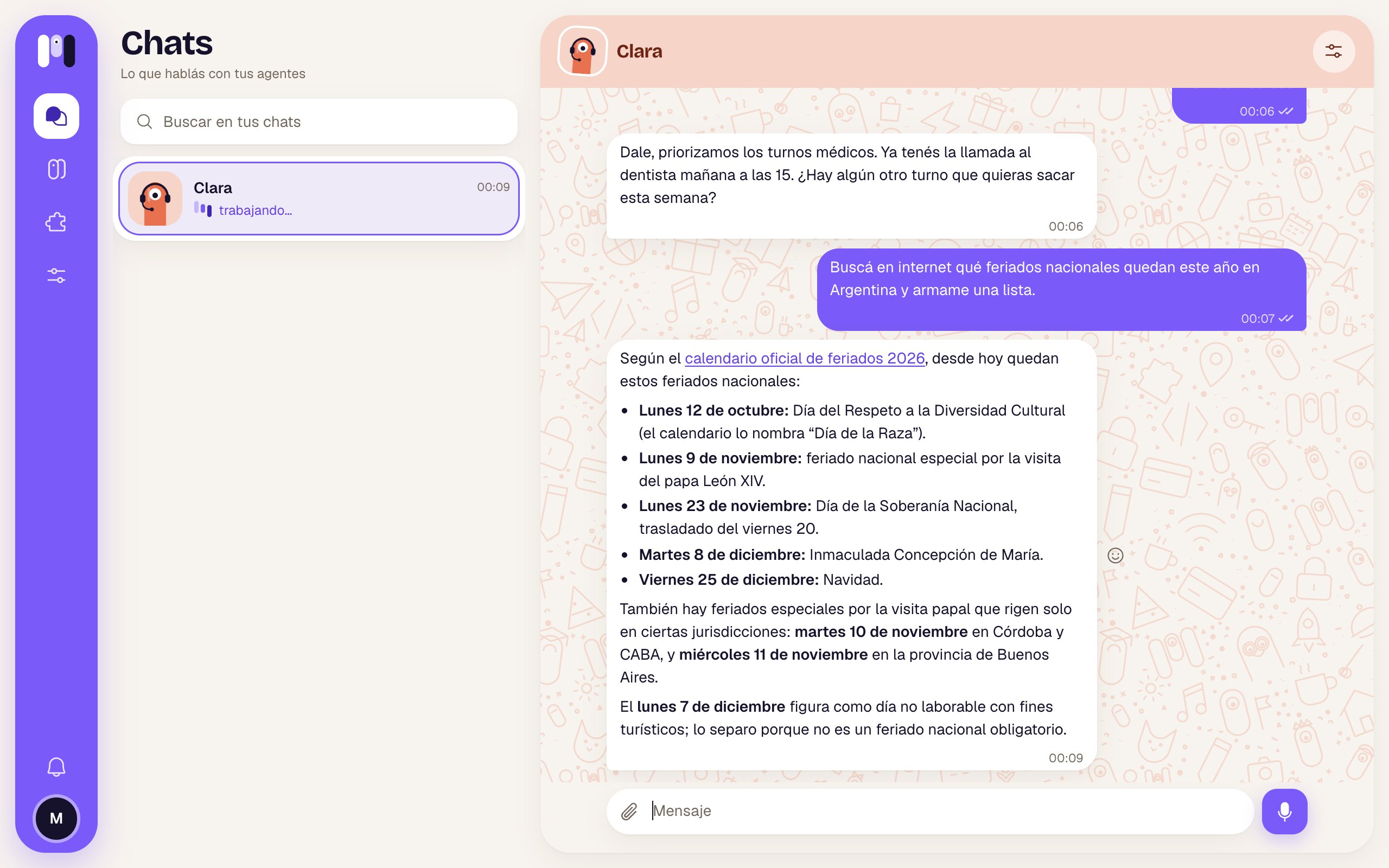
Clara searches the web and tells you what it found
What it can do
- Search and read: prices, opening hours, news, whatever a page says.
- Get around a site: click, fill in and submit forms, check how a website looks and works.
- Screenshots: it sends you a screenshot of what it sees. Before sending it, it looks at it, closes cookie banners or ads covering the page and takes it again if needed. By default it captures what fits on the screen; if you want the whole page, ask for it (it comes out long, and in the minai chat it shows at full width, scrolling down).
- Save as PDF: a page exactly as it looks.
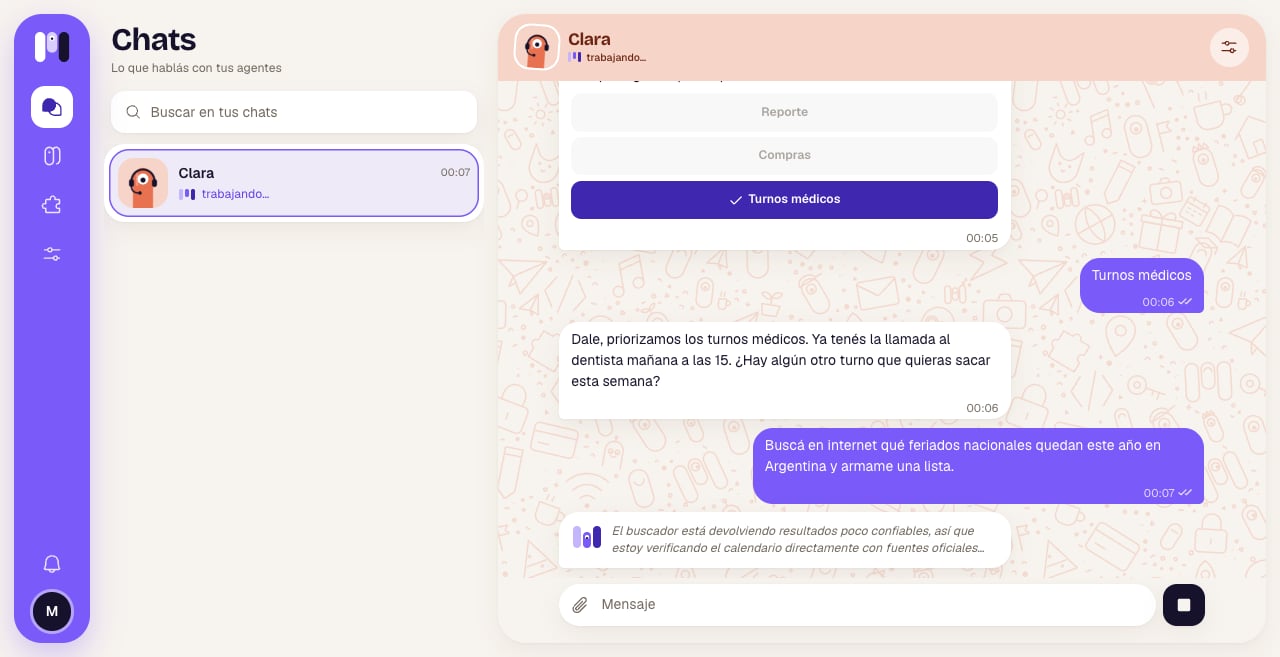
What it's doing, live
Things to ask it
- “Check the price of this product on Mercado Libre.”
- “Take a screenshot of min-ai.ar as it looks on a phone.”
- “Go to the bank’s website and tell me if the payment came through.”
- “Save this page as a PDF for me.”
- “Check whether the contact form on my website works.”
How it looks out for you
- It never buys, pays, submits or accepts anything on a site (an order, a payment, a message, some terms) without your explicit OK for that step.
- It never asks for passwords in the chat, and doesn’t accept them if you type them. To sign in to a site with your username, it sends you a one-time link (in the minai chat, the Enter key button) where you enter it yourself. The password doesn’t go through the chat and is stored encrypted. See Keys and values.
- It can save the session for next time, so it doesn’t ask you to sign in again every time.
Limits
- Some sites block automated browsers or ask you to solve a captcha: if it can’t get through, it tells you.
- For services you use often (Gmail, your bank, Mercado Pago…) a plugin is better: it’s faster, safer and has its own permissions.
Keys and values
How to give it a password without typing it in the chat.
Files, images and audio
What it sends you and what you send it.