

Choose how to connect
Add the plugin and open its installer. Under How do you want to connect…?, choose Only what I share and Continue. You’ll see Done: share with this email: use Copy, share from Google and tap Back to chat. Ask the agent to check using the file or calendar link.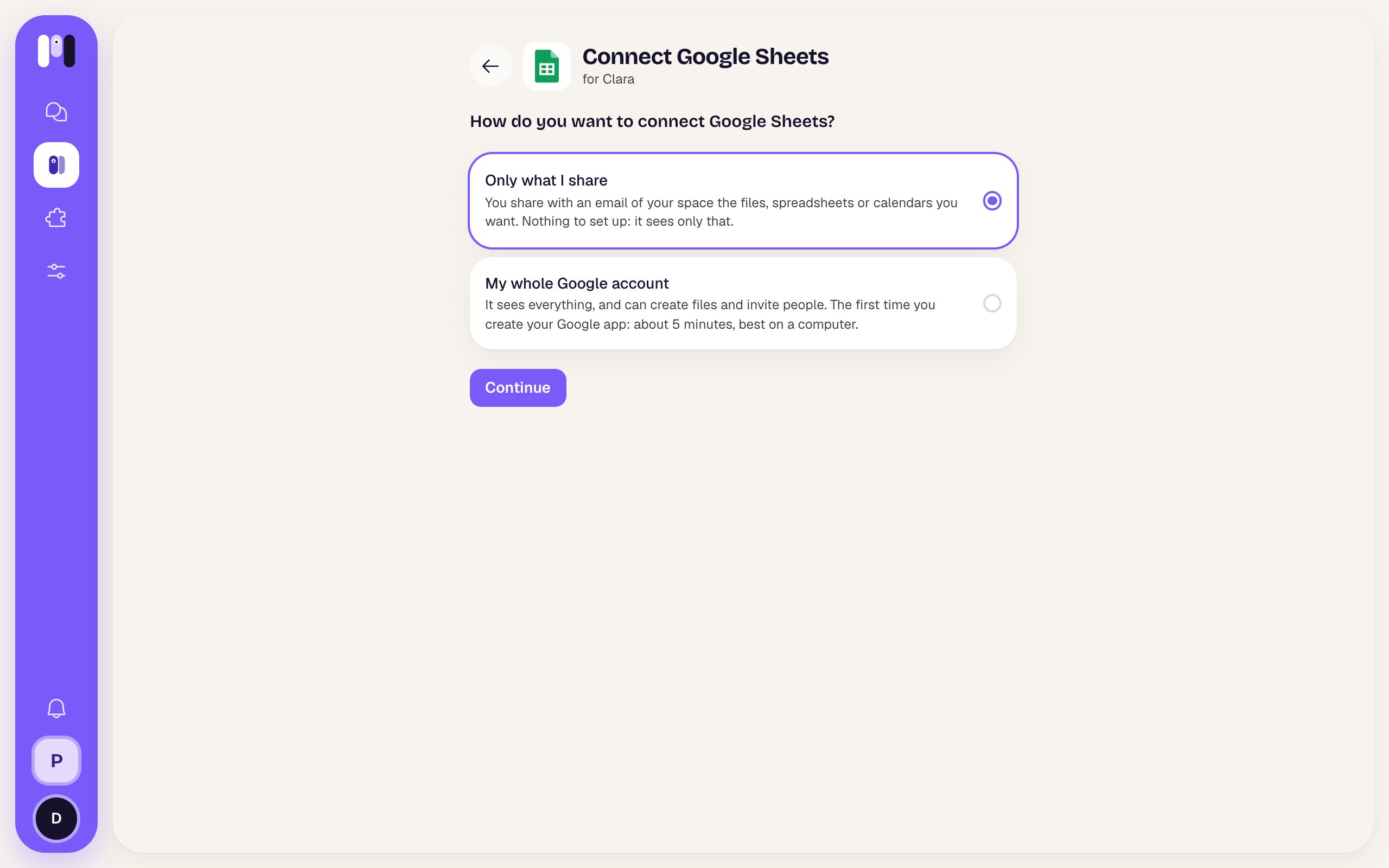
The two ways to connect Google
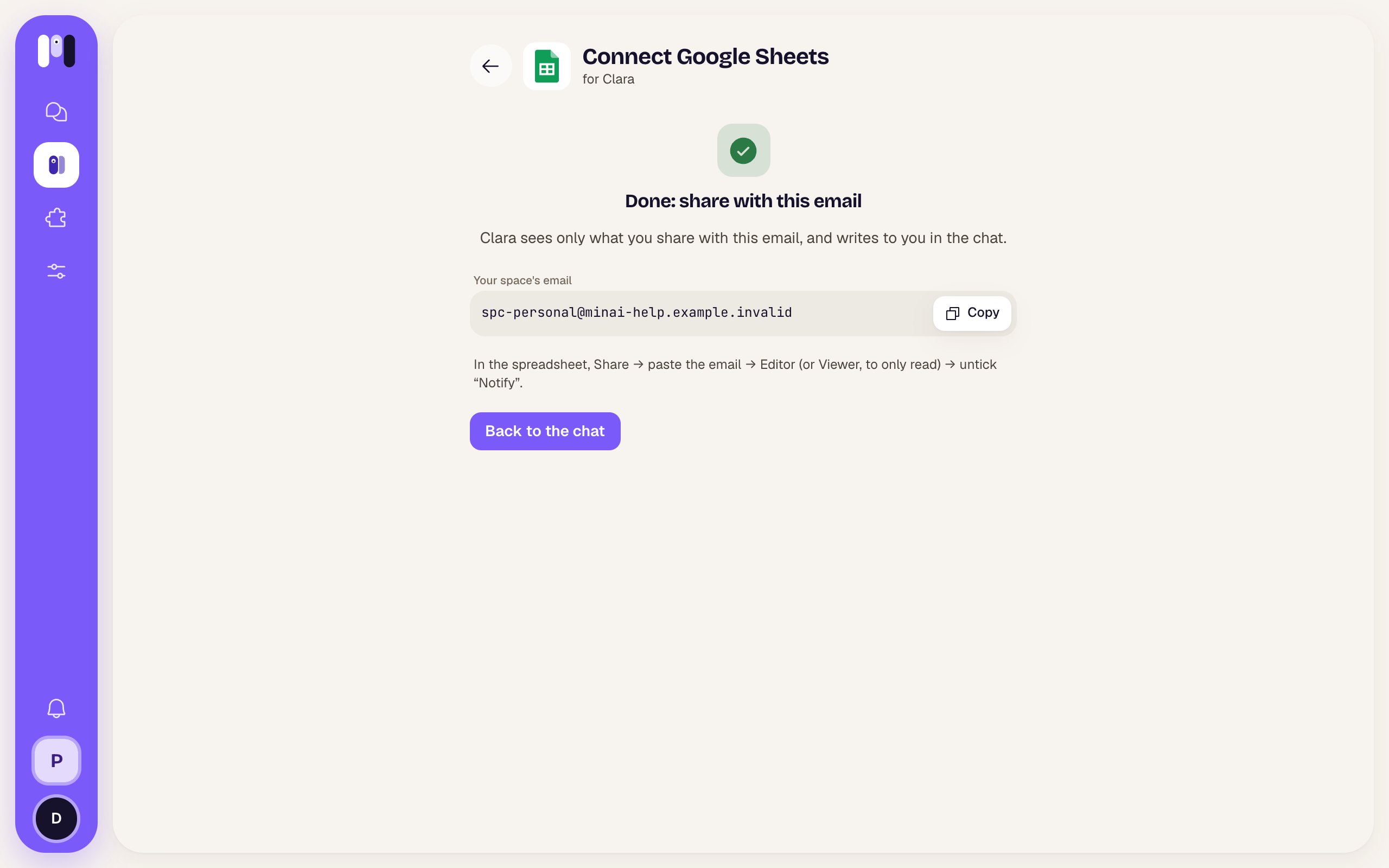
Copy the email and share from Google
How to share
- Drive, Docs, Sheets: open the file, folder, document or spreadsheet → Share → paste the email → Editor (or Viewer, to only read) → untick Notify. Sharing a folder shares everything in it.
- Calendar: in the calendar’s settings (⋮ → Settings and sharing) → Share with specific people → add the email → Make changes to events (or See all event details, to only read).