

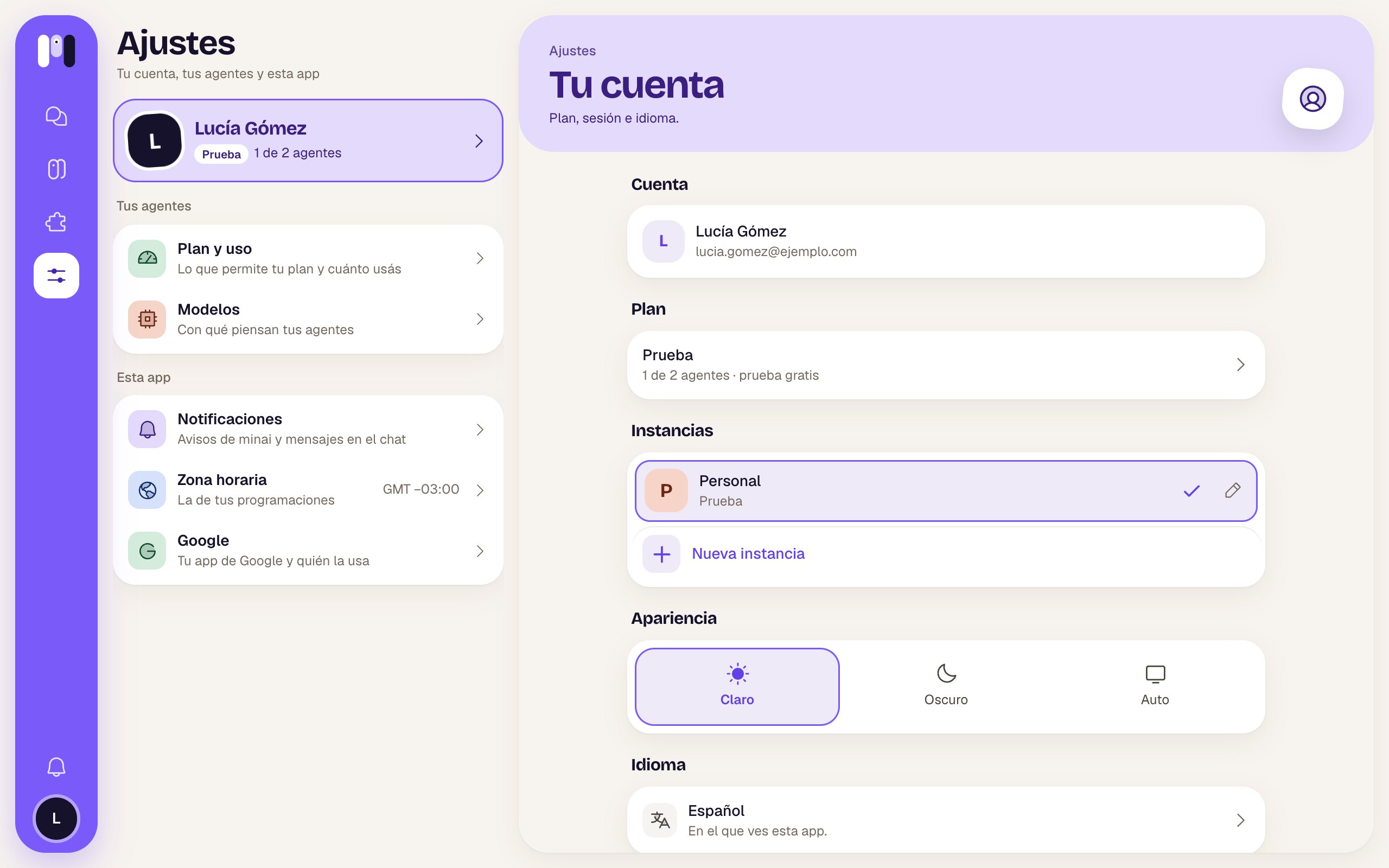
Settings, with Your account open
The Settings list
Each section opens with a colored header, its title and an icon. On a phone, Back to Settings takes you back to the list.
Your account
Account
Your face, your name and your email. It’s the account you sign in with (Google or email).Plan
Your plan’s name and, below it, “1 of 2 agents” and how you have it: free trial, with your card, managed by your provider, given by minai or no plan. Tap it to go to Plan and usage.Instances
All your instances: each one with its letters and its color, its name and its plan (or “No plan”, “Stopped”). The others show their unread notices.- The current one has a ✓ and a pencil (Edit): you change the Name, the icon’s Letters (up to two) and the color (Violet, Coral, Blue, Green, Amber, Pink or Turquoise). Save.
- Tap another one to switch the whole app to it.
- New instance (+) opens a window: “It starts empty, with its own plan: you connect the model and create its agents.” Enter a name (for example Work, Family, my project) and Next. Then you choose its plan and pay; once you pay, it’s created and the app switches to it.
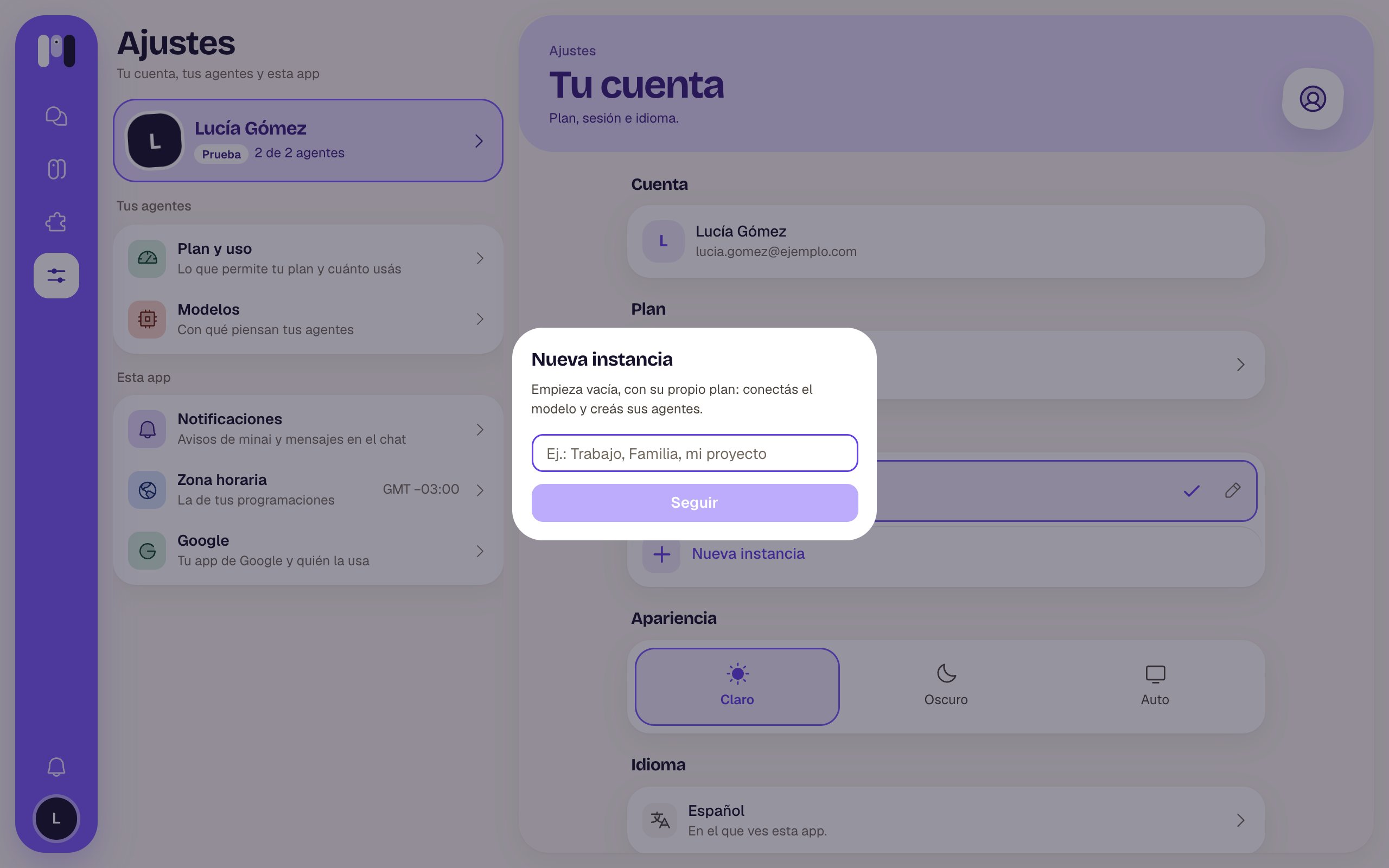
Creating a new instance
Appearance
The theme: Light, Dark or Auto (whatever your phone or computer uses). It only applies to this device.Language
“Español” or “English” — “The one you see this app in.” A list opens for you to choose. It’s saved to your account: it changes on all your devices, and so does the language your agents talk to you in and your notices come in. See Language, theme and time zone.Sign out
In red, at the end. It turns off notifications on this device and signs you out.Instances
Keep work, family and personal apart.
Plans and instances
The idea behind it.