

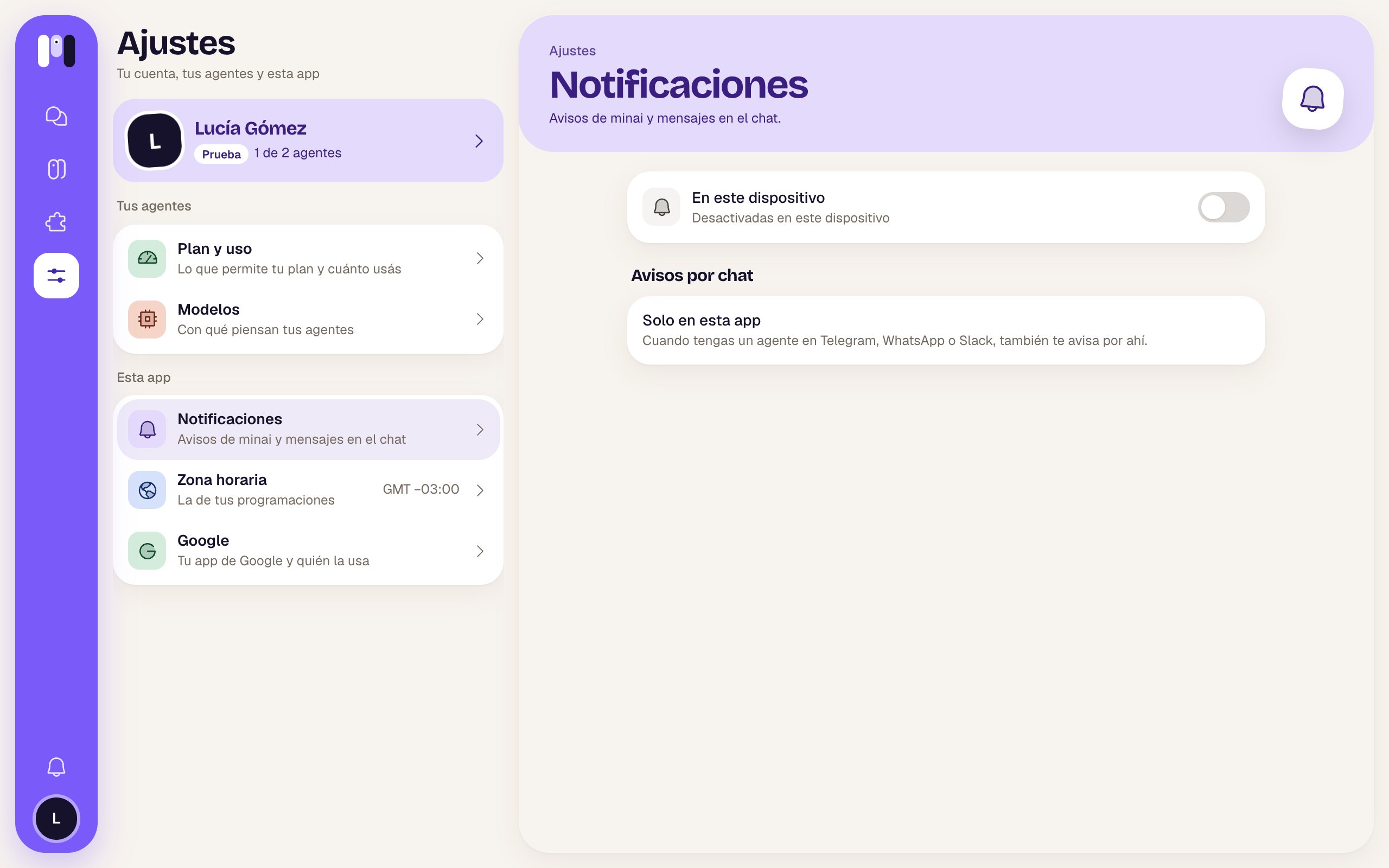
Notifications off and no outside agent passing notices on
On this device
A switch, Notifications on this device, and below it how they’re set:
They apply to this device only: you turn them on separately on each phone or computer. You get minai chat messages and minai’s notices (Telegram, WhatsApp and Slack chats notify you from their own app). While you have a chat open on screen, that chat doesn’t notify you.
Install minai
- On a phone, if you haven’t installed it, there’s a pinned “Install minai on your phone” card at the top: tap it and it shows you the steps for your browser.
- On a computer, if the browser allows it, an Install minai row — “As an app, with its icon” — with the Install button.
Notices by chat
Besides here, an agent that talks on Telegram, WhatsApp or Slack can pass minai’s notices on to you through its chat.- If you have one: the “Clara lets you know” row with its channel. Tap it to choose another in “Who lets you know?” — “They tell you in their chat what happens with your plan, your subscription and your channels.”
- If you don’t have any: Only in this app — “Once you have an agent on Telegram, WhatsApp or Slack, it lets you know there too.”
Notices
What minai can tell you about.
Install the app
On iPhone, Android and a computer.