

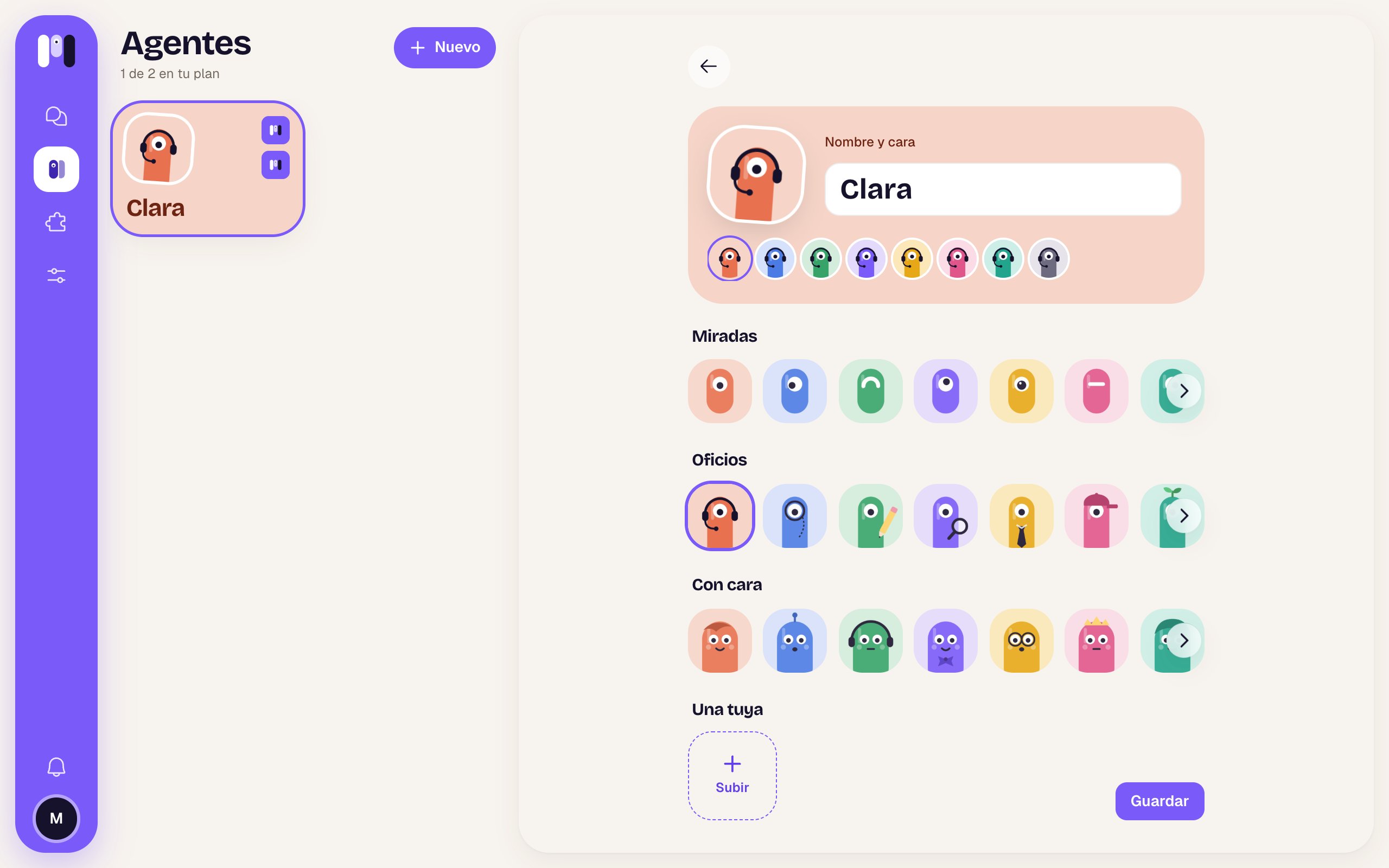
Clara's name and face
What’s there
If you change its name and it talks outside
If the agent talks on Telegram, WhatsApp or Slack, when you save a new name it asks you “It’s called Ana now?” and shows you what follows the change (✓) and what doesn’t (ⓘ):
Change it confirms; Cancel goes back. The face updates too: the bot’s picture and the group’s. If it fails: “We couldn’t change it. Try again.”
In minai chat the change shows right away, without asking.
Change an agent
Step by step.
Where it talks
Its channel and how to change it.