

No plugins
“No plugins yet” — “Give it skills from the library, or ask Clara for them.” and the Add plugins button.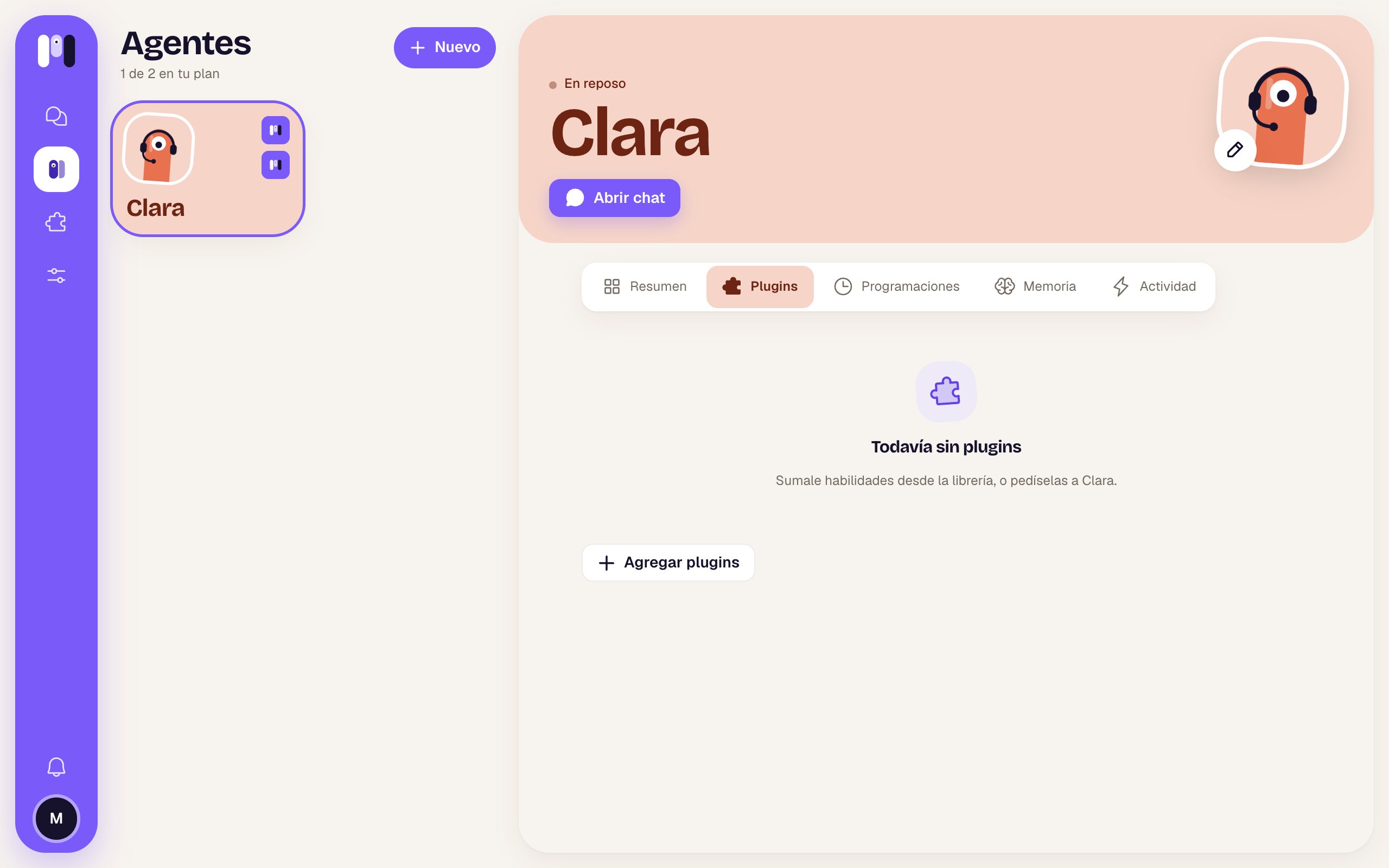
A plugin’s card
Each plugin is a card that expands when you tap it.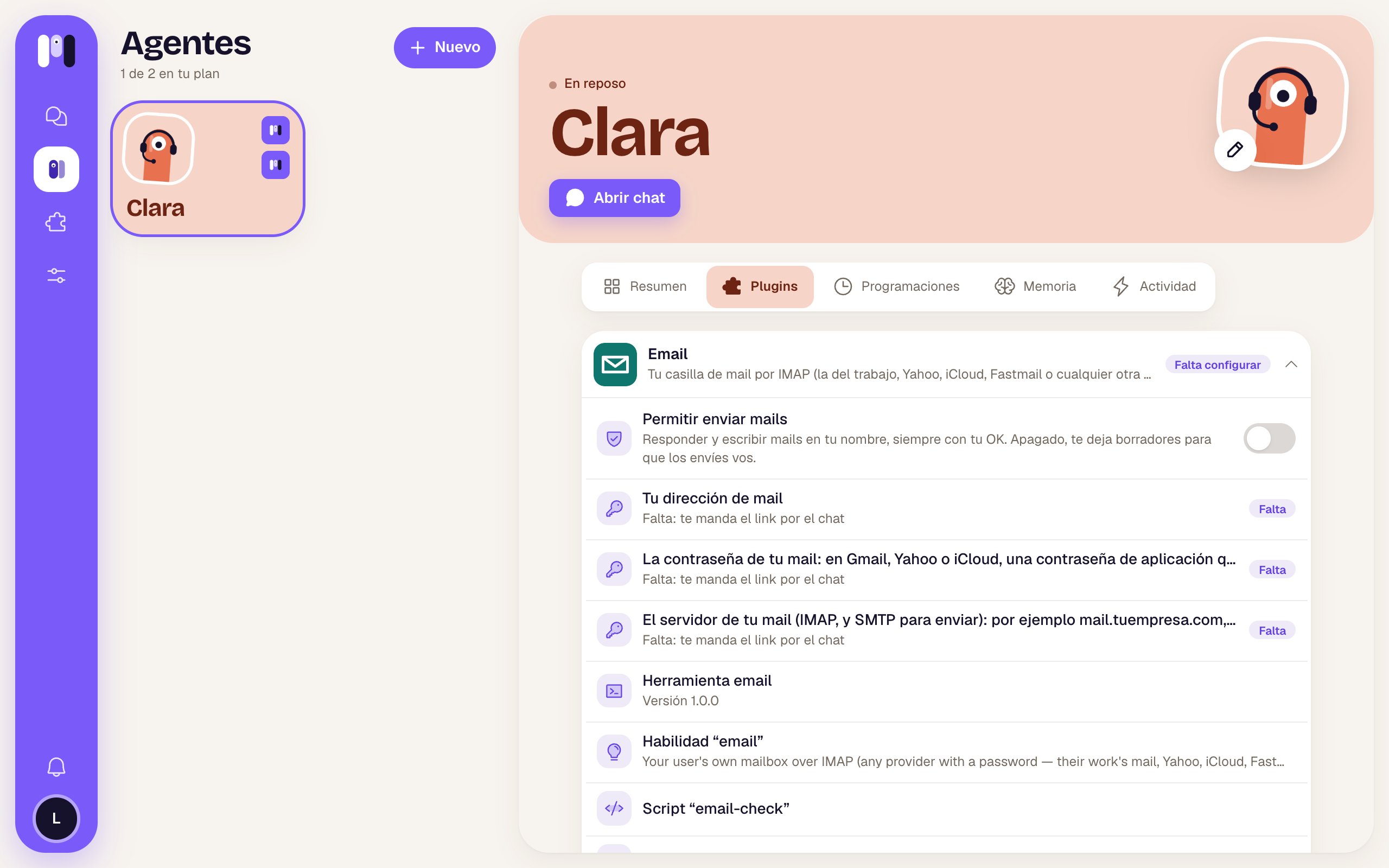
Email expanded: the switch and the three things it's missing
Collapsed
Expanded
From top to bottom, depending on what each plugin has:
And the buttons at the end:
- Finish installing — only if the plugin has an installer on the web (Google, Atlassian) and needs setting up.
- See in the library — opens the plugin’s page in the library.
- Remove (red) — takes it away from the agent (see below).
Keys are never typed in the chat. When one is missing, the agent sends you a one-time link. See Keys and values.
Add plugins
The Add plugins (+) button opens the library to pick one for this agent. If the agent is paused, it tells you to resume it first instead, so it sets things up with you. See Add a plugin.Outside the plugins
At the bottom there’s a section with what the agent has that didn’t come from a plugin: things it built itself or keys you entered separately.Remove a plugin
Remove asks you to confirm: “Remove Email from Clara?” — “It won’t have it anymore, and we’ll let it know. The keys you entered for it go with it: if you add it again, they’re asked for again.” → Remove or Cancel. The plugin’s schedules go with it. If it fails: “We couldn’t remove it. Try again.”. See Remove a plugin.Delete a key
A key’s trash can asks you to confirm: “Delete this key?”, with its description, and:- if it’s a plugin’s: the plugin waits for you to enter it again; if it needs it again, it’ll ask you in the chat;
- if it’s a standalone one: the agent can’t use it anymore; if it needs it again, it’ll ask you in the chat.
Permissions
What each plugin can do and with what OK.
Plugin library
Find and add plugins.