

No activity
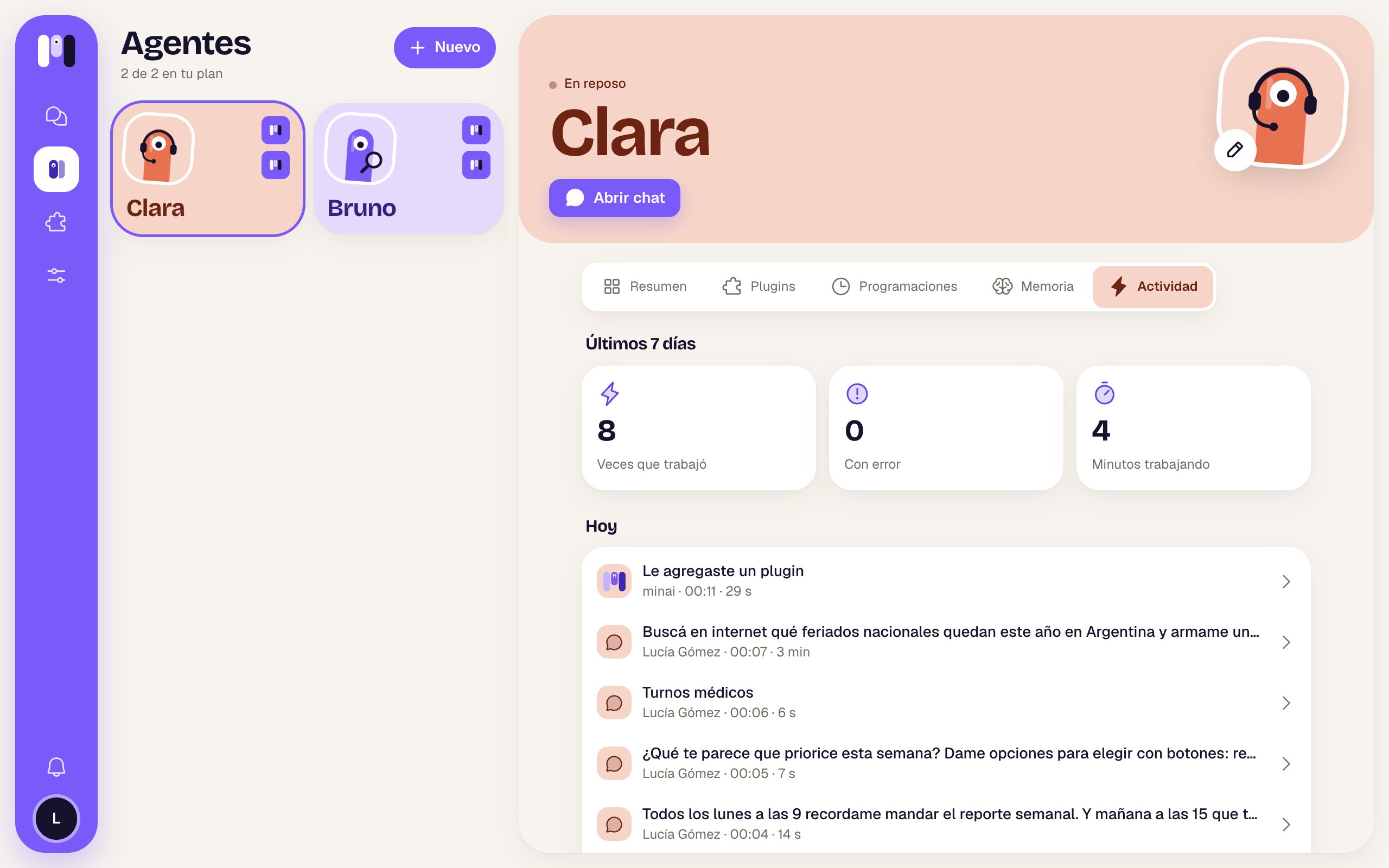
“It hasn’t worked yet” — “Here you’ll see every time Clara does something.”Last 7 days
At the top, three boxes:The list, by day
Grouped by day (“Today”, “Yesterday”, “Mon, Sep 28”). Each row is one time it worked:
See more loads earlier days. A month is kept.
One time, step by step
Tap a row and its details open.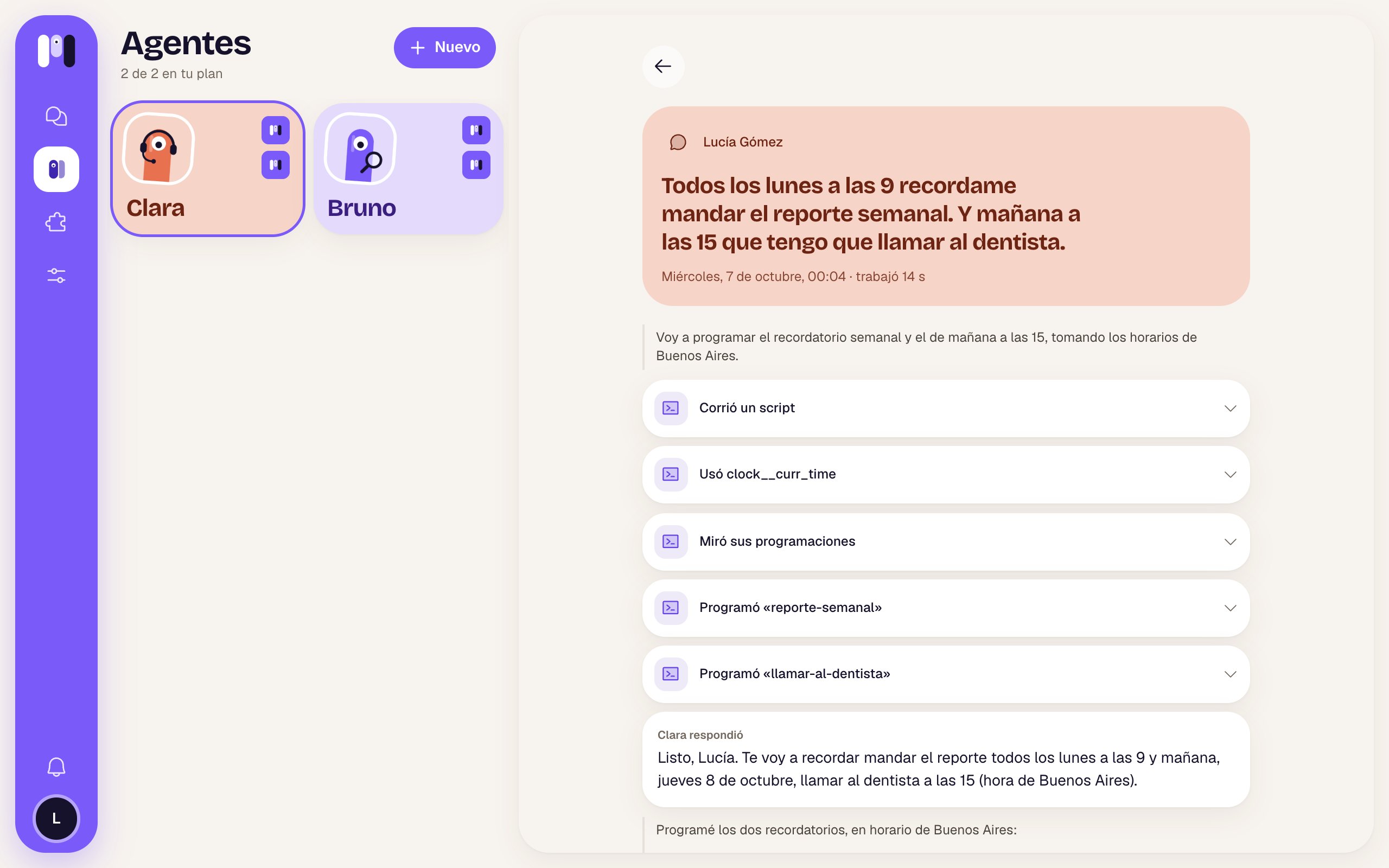
The time Clara scheduled Lucía's two reminders
While it’s still working, at the bottom it says “Still working…”. If that time is more than a month old: “It’s gone” — “A month of activity is kept.”
Stop, restart and pause
What to do if it gets stuck.
Schedules
What it does on its own, on time.