

Schedules aren’t created here: you ask the agent for them in the chat, for example “every Monday at 9 remind me…”. Here you look at them, pause them or delete them.
No schedules
“Nothing scheduled” — “Tell Clara «every Monday at 9…»”.The list
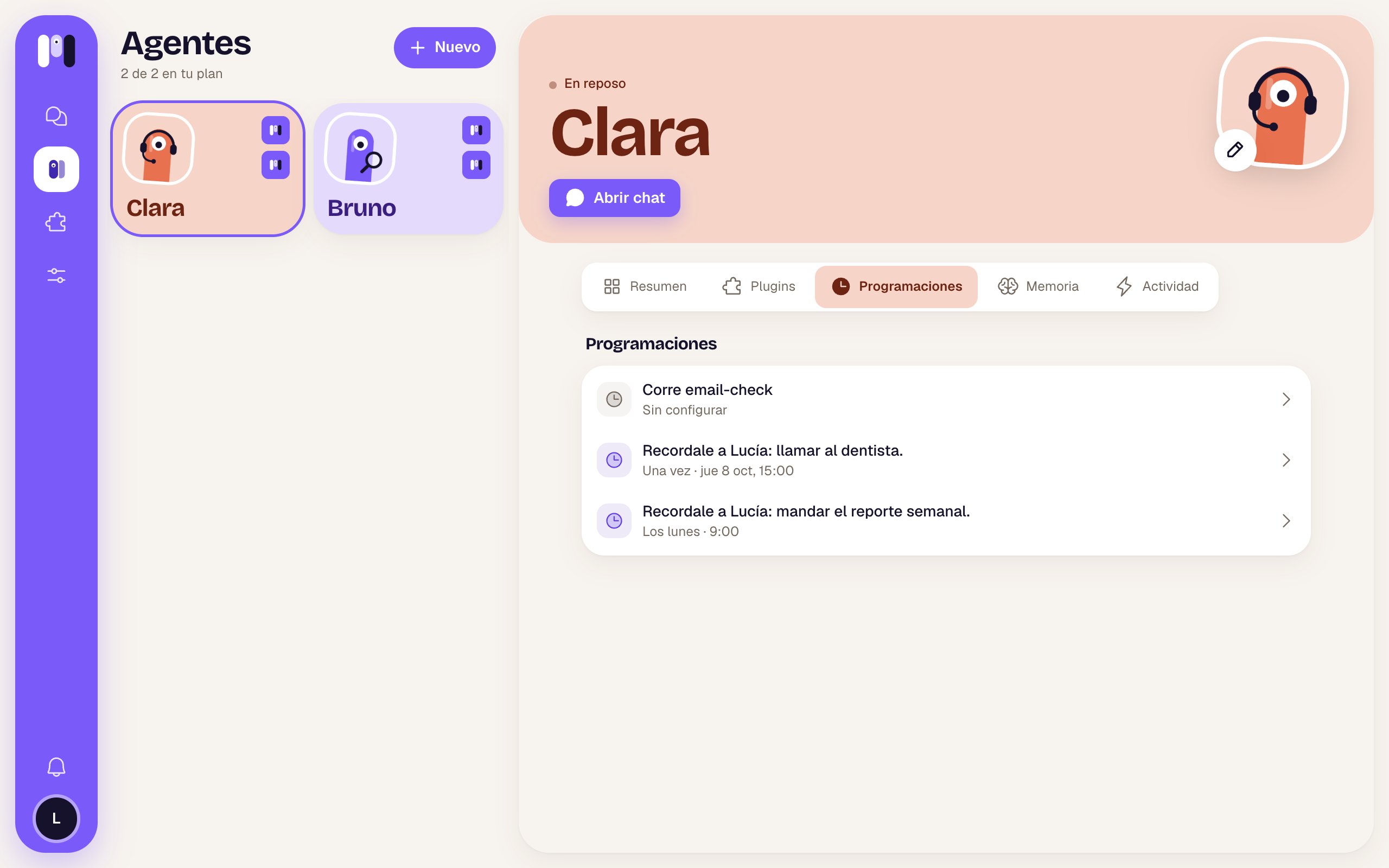
Clara's schedules: one from the Email plugin that isn't set up and two reminders
Times are in your account’s time zone.
When you tap one
A sheet opens with the name and the when, and:
Plugin ones say “It belongs to the … plugin: it goes when you remove it.” If something fails: “It couldn’t be changed. Try again.”.
Schedules
What an agent can schedule and how to ask for it.
Memory and schedules
The idea behind it.